
How to Cut Your Energy Bill with Smart Home Technology (2026 Guide)
Save Energy. Lower Bills. Live Smarter.
Why Smart Home Technology Actually Reduces Energy Use
Most energy waste isn’t intentional. It happens because your home has no way of knowing when you’re there, what rooms you’re using, or what devices you actually need running right now.
That’s the core problem smart home technology solves.
A smart thermostat notices you’ve left for work and adjusts the temperature automatically. Smart lights turn off the moment a room has been empty for ten minutes. A smart plug cuts power to your TV setup the instant it detects you’ve stopped watching — even if you fell asleep with it on.
None of this requires you to remember. That’s the point.
What the Data Says About Smart Home Energy Savings
The savings vary by home size, climate, and how many devices you add — but the research is consistent:
Smart thermostats
can reduce heating and cooling costs by 10–15% on average, according to the EPA’s ENERGY STAR program
LED smart bulbs
use up to 75% less energy than traditional incandescent bulbs, and smart controls prevent them from running unnecessarily
Smart plugs
eliminate standby power draw the average US home wastes around $100–$200 per year on devices that are “off” but still plugged in
Energy monitors
help homeowners identify and eliminate their biggest energy drains, with studies showing awareness alone can reduce usage by 5–15%
Put it all together, and a well-configured smart home can realistically cut energy bills by 20–30% annually. Source : EPA, ENERGY STAR, DOE
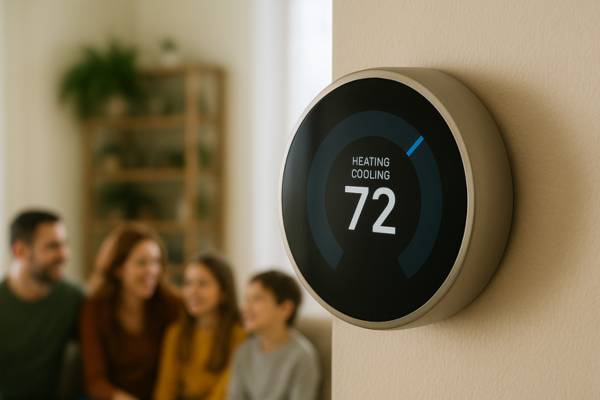
Smart Thermostats The Single Highest-ROI Smart Home Upgrade
If you’re only going to add one smart home device for energy savings, make it a smart thermostat.
Heating and cooling account for nearly half of a typical US home’s total energy use — 47%, according to the U.S. Energy Information Administration. That makes your HVAC system the single biggest lever you have. A smart thermostat puts that lever on autopilot.
What a Smart Thermostat Does Differently
A conventional thermostat holds whatever temperature you set and keeps it there. A smart thermostat does something much more useful: it learns when you’re home, when you’re away, and adjusts itself accordingly.
Learning thermostats (like the Nest Learning Thermostat)
build a schedule from your behavior over the first week or two of use. You adjust the temperature manually a few times — it learns your preferences and starts doing it automatically.
Geofencing thermostats
use your phone’s location to detect when you’ve left home and when you’re on your way back. The house starts cooling down (or warming up) before you walk in the door, so you never sacrifice comfort.
Schedule-based thermostats (like the Ecobee SmartThermostat)
let you program a weekly schedule manually, with room sensors to ensure even temperature across multiple rooms.
How Much Can a Smart Thermostat Actually Save?
The EPA estimates that ENERGY STAR-certified smart thermostats can save homeowners around $50 per year on average — but that figure is conservative. Households that previously left their thermostat at a fixed temperature year-round often see savings of $100–$200+ annually once a smart thermostat begins optimizing around their schedule.
The payback period on most smart thermostats (which retail between $150–$250) is typically 1–2 years.
Key Features to Look For
Compatibility
Not all smart thermostats work with every HVAC system. Check for C-wire compatibility before purchasing; many older homes need an adapter
Room sensors
Single-thermostat homes often have hot and cold spots; add-on room sensors balance temperatures across floors
Utility rebates
Many US utility companies offer rebates of $25–$100 on ENERGY STAR smart thermostats; check your provider’s website before you buy
Smart home integration
Confirm compatibility with your ecosystem (Amazon Alexa, Google Home, Apple HomeKit) before purchasing
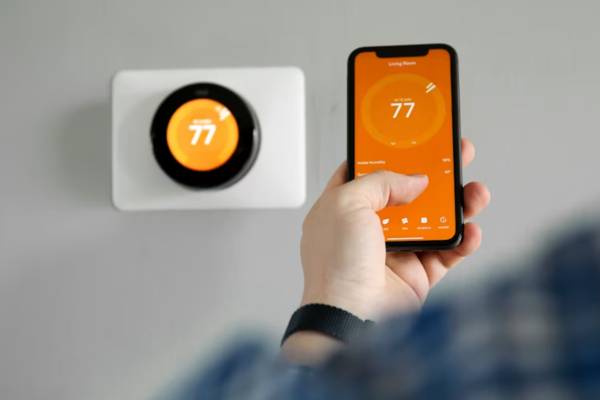
See exactly how much thermostats save → How Smart Thermostats Save Money
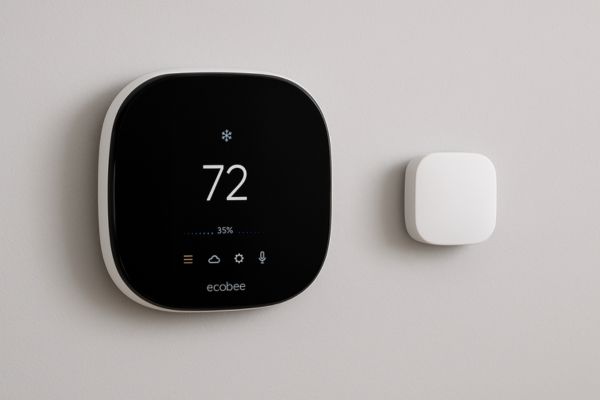
Our top pick tested → Ecobee SmartThermostat Review
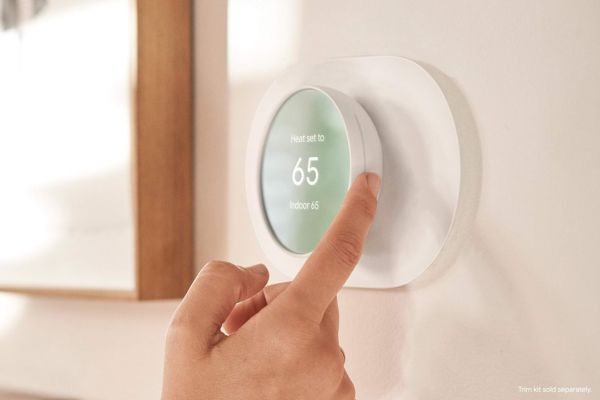
Full comparison → Nest Learning Thermostat Review
Smart Lighting Stop Paying to Light Empty Rooms
Lighting accounts for about 15% of the average US home’s electricity use. That sounds modest until you consider how much of that lighting is illuminating rooms nobody’s in.
Smart lighting solves this with motion-based automation, scheduling, and remote control — so lights run exactly when they’re needed and go off when they’re not.
Smart Bulbs vs. Smart Switches: Which Is Right for You?
This is the first decision most people get wrong, so let’s clear it up.
Smart bulbs replace individual light bulbs. They’re cheap, easy to install, and give you per-bulb control. The downside: if someone flips the physical switch off, the bulb loses power and your smart control goes with it.
Smart switches replace the light switch on the wall. The bulbs themselves stay dumb (regular LED bulbs), but the switch controls them intelligently. Anyone in the household can still use the switch normally — and your smart controls work regardless.
For most US households with multiple people: smart switches are the more practical long-term choice. Smart bulbs are better for single occupants, apartment renters who can’t change switches, or accent/mood lighting where you want color control.
The Real Energy Savings in Smart Lighting
- LED smart bulbs use up to 75% less energy than incandescent bulbs
- Scheduling lights to turn off at midnight rather than leaving them on all night saves roughly $30–$60 per year per room that was previously left on
- Motion-activated outdoor lighting replaces always-on fixtures, typically cutting outdoor lighting costs by 40–60%
Practical Smart Lighting Automations
Away mode
All lights off when everyone leaves home (geofencing-triggered)
Sunset schedule
Outdoor lights turn on automatically at dusk, off at a set time
Motion timeout
Living room lights turn off after 10 minutes of no movement
Morning routine
Kitchen lights gradually brighten at 6:30am to help you wake up
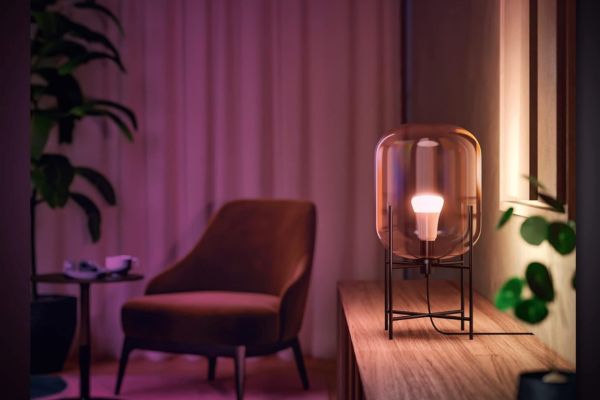
Where to start → Smart Lighting 101: Benefits & Basics
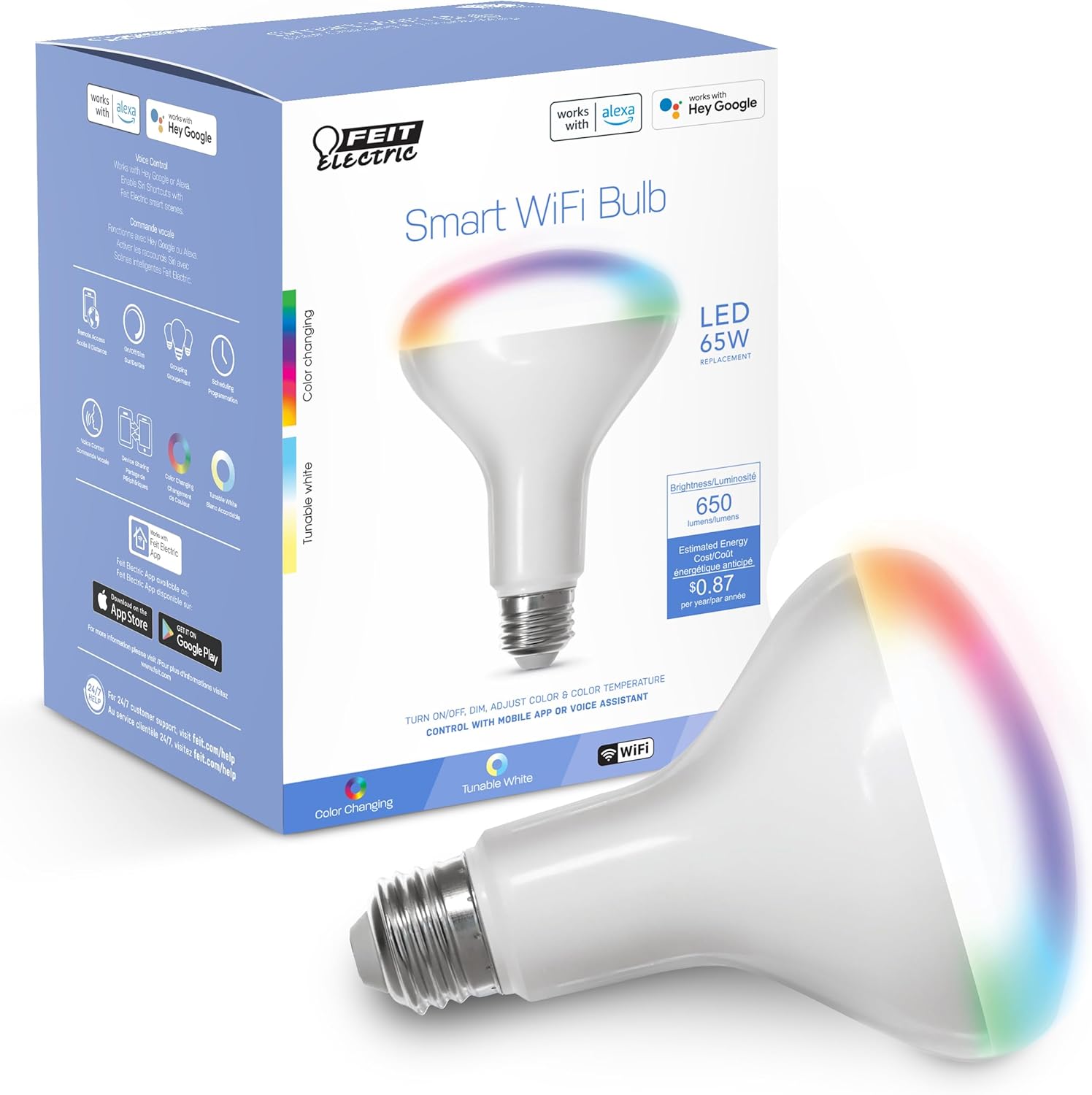
Remote Control Color Changing Bulb
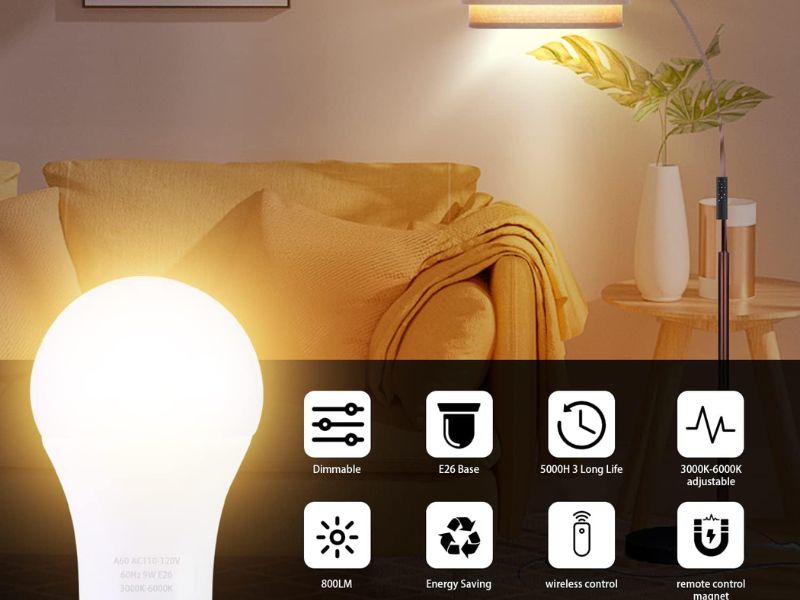
Philips Hue Bulbs Review
Smart Plugs — The Easiest Way to Kill Vampire Power
Plug something into a smart plug. Now you control it from your phone, set schedules for it, and track exactly how much power it’s drawing — even when it’s “off.”
That last point matters more than most people realize.
What Is Vampire Power, and How Much Is It Costing You?
Vampire power (also called standby power or phantom load) is the electricity your devices consume even when you think they’re switched off. Your TV. Your gaming console. Your microwave. Your cable box. Your laptop charger.
These devices don’t fully power down when you hit the power button. They enter a standby state that keeps drawing a small amount of electricity — waiting for a remote signal, maintaining a clock, or keeping a warm connection.
Individually, each device draws very little. Collectively, the Lawrence Berkeley National Laboratory estimates standby power accounts for 5–10% of residential electricity use in the US — translating to roughly $100–$200 per year for the average household.
Smart plugs cut this to zero by actually cutting power to the outlet on a schedule or when a device is idle.
The Best Use Cases for Smart Plugs
Entertainment center
A single smart plug on a power strip cuts power to your TV, soundbar, streaming device, and gaming console with one command. Set it to shut off automatically at midnight.
Home office
Power down your monitor, speakers, and desk lamp when your workday ends — even if you forget.
Kitchen appliances
Coffee maker, toaster oven, and countertop appliances can all be controlled and scheduled without touching them.
Older appliances
Smart plugs are the easiest way to make non-smart devices (window AC units, space heaters, fans) controllable from your phone.
What to Look for in a Smart Plug
Energy monitoring built in — Not all smart plugs track energy usage; choose one that does so you can see actual consumption data
Form factor — Compact designs don’t block the second outlet; check the dimensions before buying
Reliability — Cheap plugs disconnect from Wi-Fi frequently; stick to established brands (Kasa, Wemo, Amazon, Leviton)
Outdoor-rated options — For outdoor string lights, holiday lighting, or patio devices, make sure the plug is rated for outdoor use
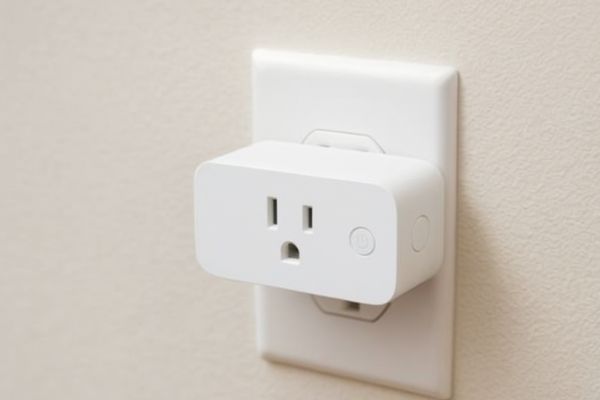
Energy Monitors, Know Exactly What’s Draining Your Budget
You can’t fix what you can’t see.
Most homeowners have no idea which devices in their home are their biggest energy draws. The refrigerator? The water heater? The dryer? The always-on desktop PC? Without data, you’re guessing — and you tend to guess wrong.
Energy monitoring gives you a real-time view of your home’s total power consumption and, in many cases, a device-by-device breakdown.
Two Types of Home Energy Monitors
Whole-home monitors
(like the Sense Energy Monitor or Emporia Vue) install directly into your electrical panel. They track total home electricity use in real time and use machine learning to identify individual devices by their electrical signature — so you can see that your refrigerator is running 18 times a day or that your dryer uses more electricity than everything else in your home combined.
Smart plug monitors
Smart plug monitors are simpler: plug a device into a smart plug with energy monitoring built in, and you’ll see exactly how much power that specific device draws over time.
What People Discover When They Start Monitoring
The results tend to be surprising:
Pool pumps and hot tubs, where applicable, are frequently the single largest energy drain on a home
Old refrigerators and freezers are frequently the largest single energy consumers in a home often using 2–3x more electricity than modern ENERGY STAR models
“Turned off” entertainment centers often draw 20–40 watts continuously adding $30–$60 per year in phantom load
Electric water heaters can account for 15–20% of total home energy use, and most homeowners have never adjusted the temperature setting (120°F is the recommended setting many are set to 140°F+)
SOLAR-POWERED SMART DEVICES
Solar-Powered Smart Devices, Energy Savings Without the Wiring
Not every energy upgrade requires grid power. A growing category of smart home devices runs entirely on solar — meaning zero operating cost after purchase.
What Runs on Solar in a Smart Home?
Solar-powered outdoor cameras
No wiring needed, no battery swaps. A small solar panel keeps them charged year-round in most US climates. Ideal for driveways, gates, and shed areas where running cable is impractical.
Solar landscape and pathway lighting
Charges during the day, illuminates automatically at dusk. Zero electricity cost, no electrician required.
Solar-integrated smart home systems
For homeowners with rooftop solar panels, smart home hubs (like the Google Nest Hub Max) can integrate with solar monitoring systems to help you use more of your own generated power during peak production hours rather than drawing from the grid.
Solar attic fans
A niche but effective upgrade: solar-powered attic fans reduce attic temperatures in summer, cutting AC load significantly in warmer US climates (particularly the South and Southwest).
Read more
AUTOMATIONS
Smart Home Energy Automations That Work While You Sleep
Individual smart devices are useful. Connected automations are where the real efficiency gains come from.
An automation is a rule your smart home follows automatically — no app tapping required. Here are the highest-impact energy automations for US households:
“Away” Energy Mode
Trigger: Last person leaves home (geofencing)
Actions: Thermostat sets to eco temperature | All lights off | Entertainment center powers down | Smart plugs switch to schedule-only mode
Estimated savings: $15–$40/month for households that previously left HVAC running at full temperature during the workday
“Goodnight” Routine
Trigger: 11pm (or voice command “Goodnight”)
Actions: All lights off | TV and entertainment center powered down | Thermostat shifts to sleep temperature | Security system arms
Estimated savings: $5–$15/month from eliminating overnight standby loads
Peak Rate Avoidance (for households with time-of-use utility pricing)
Trigger: Peak pricing window begins (typically 3–8pm on weekdays)
Actions: Thermostat pre-cools or pre-heats to target temperature before peak window | EV charger pauses | Dishwasher and laundry notifications remind you to run after 8pm
Estimated savings: Variable, but time-of-use pricing differences in states like California and Texas can mean 2–3x the per-kWh cost during peak hours shifting loads can save $30–$80/month
Laundry and Dishwasher Off-Peak Reminders
Many US utility companies charge less for electricity overnight (off-peak hours, typically 9pm–7am).
Simply running your dishwasher and laundry during these windows triggered by a smart plug timer or a reminder automation can meaningfully reduce your monthly bill.
Read Moe
How to Build an Energy-Efficient Smart Home (Step by Step)
You don’t need to do this all at once. Here’s a phased approach organized by payback speed start with what saves money fastest.
Phase 1: Biggest Impact First (Month 1)
Install first. Heating and cooling is your largest energy category. Most households recoup the purchase price within 12–18 months. Check your utility provider for rebates before purchasing.
Download your utility’s app or portal. Most now provide appliance-level usage breakdowns. If your utility doesn’t offer this, a whole-home energy monitor (Sense or Emporia) does
These two areas typically account for the most unnecessary standby power in a US home.
Phase 2: Reduce Lighting Waste (Month 2–3)
If you haven’t already, this is the fastest payback upgrade in your home. LEDs pay for themselves in electricity savings within 6–12 months.
Start with the living room, kitchen, and bedrooms. Set motion timeout automations.
Eliminates overnight lighting costs for exterior fixtures.
Phase 3: Optimize and Automate (Month 3–6)
Takes 15 minutes, saves money every day from that point forward.
If so, shift major appliance use (dishwasher, laundry, EV charging) to off-peak hours.
Old refrigerators, second fridges in garages, and aging water heaters are frequently the hidden energy hogs. Use energy monitoring data to identify them.
The Most Common Energy Mistakes in a Smart Home (And How to Fix Them)
Mistake 1: Buying a smart thermostat but leaving it on a fixed schedule
A smart thermostat set to hold 72°F all day is just an expensive conventional thermostat. The value is in the automation. Take 20 minutes to configure geofencing or a learning schedule.
Mistake 2: Ignoring your utility’s rebate program
Many US utility companies offer rebates of $25–$100 on ENERGY STAR-certified smart thermostats, and some offer rebates on smart lighting too. These rebates can cut your purchase cost by 30–50%. Always check before buying.
Mistake 3: Overlooking the water heater
Water heating is the second-largest energy expense in most US homes, but it rarely comes up in smart home conversations. If your water heater is older than 10 years, replacing it with a heat pump water heater can cut water heating costs by up to 70%. Smart timers on electric water heaters are a cheaper interim step.
Mistake 4: Devices on different ecosystems that can’t talk to each other
An Alexa-controlled thermostat, a HomeKit-only lighting system, and a Google-only plug create three separate apps and can’t trigger each other in automations. Decide on one ecosystem before you start buying — it saves significant money and frustration.
Mistake 5: Forgetting about the HVAC filter
A clogged air filter forces your HVAC system to work harder, consuming more electricity. Smart home tech won’t fix this but a filter replacement reminder in your phone calendar costs nothing and can meaningfully reduce your heating and cooling energy use.
Mistake 6: Running old appliances because “they still work”
A refrigerator from 2005 can use 2–3x the electricity of a current ENERGY STAR model. The annual energy cost difference often exceeds $100. If your energy monitor shows an appliance drawing unexpectedly high power, the replacement payback period may be shorter than you think.
The Best Energy-Saving Smart Home Devices for 2026
We’ve reviewed the most popular options across every category. Here’s where to start:
Best Smart Thermostats
Ecobee SmartThermostat Premium
Best overall; room sensors included, works with most US HVAC systems
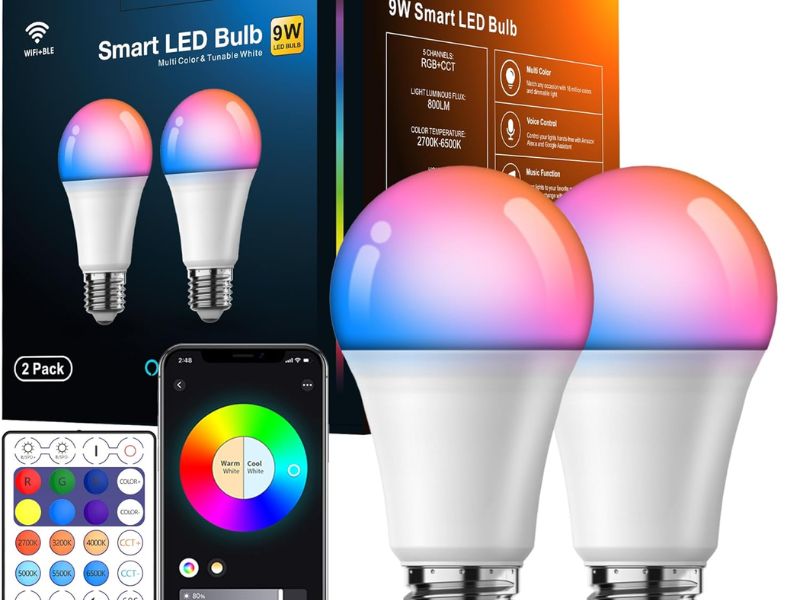
Best Smart Lighting
Best for whole-room control: Smart switches
Lutron Caseta, Leviton Decora
Best for color and ambiance: Smart bulbs
Philips Hue, LIFX
Best Smart Lighting
Top picks with energy monitoring
Kasa EP25, Wemo Insight Emporia Smart Plug
Best for outdoor use
Kasa EP40 (outdoor, dual outlet, energy monitoring)
Best Energy Monitors
Sense Energy Monitor
Best machine-learning whole-home monitor; identifies individual devices automatically
Emporia Vue 2
Best budget whole-home monitor; requires more manual labeling but significantly cheaper
Best Solar-Powered Devices
Full list → Best Solar-Powered Smart Devices 2026
Smart Home Hubs with Energy Dashboards
Google Nest Hub Max
Best central dashboard for monitoring and controlling energy-related automations
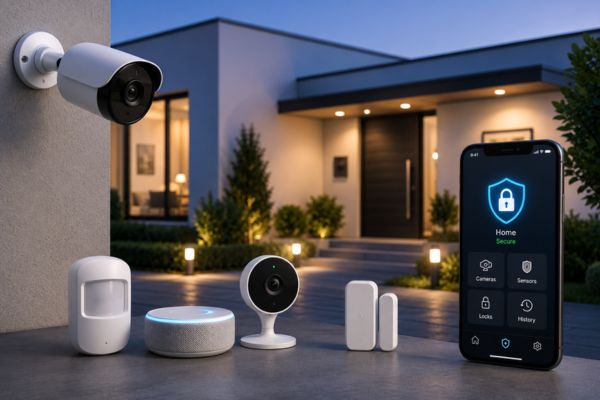
Building a More Efficient Smart Home
A few well chosen smart devices can make a noticeable difference in your energy consumption. Smart thermostats and lighting systems help you save money, improve convenience, and reduce waste.
Our guides and reviews help you choose the right devices for your home and budget.
iRobot Roomba i7+: Smart Cleaning for Modern Homes
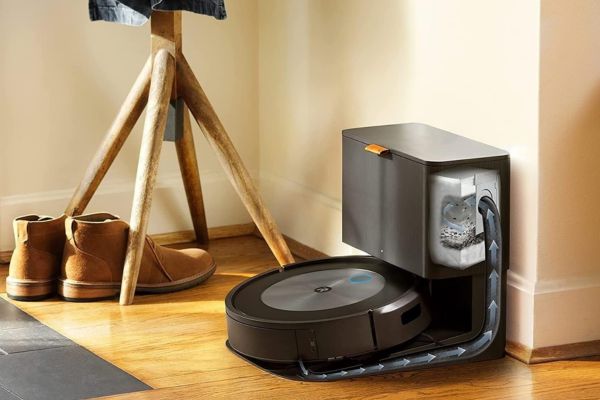
iRobot Roomba i7+ covering smart cleaning features, real-life benefits, pros, cons, and links to cleaning devices explained.
Google Nest Hub Max: Is It Worth It?
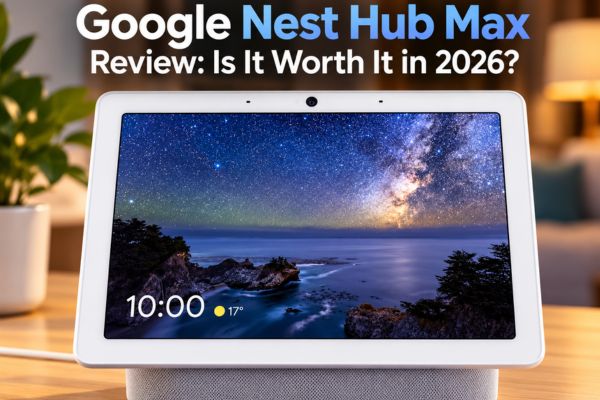
Disclosure: This article contains affiliate links. If you purchase through qualifying links, AutomateVerge may earn a commission at no additional…
Best Smart Thermostats Top Picks
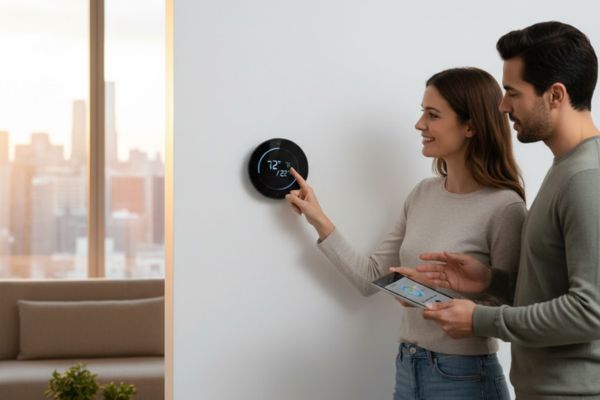
Discover the best smart thermostats. Compare top models like Nest, Ecobee, and Honeywell to find the perfect energy saving thermostat.
Ecobee Smart Thermostat Premium: The Best Smart Thermostat for Most US Homes?

Let’s be honest. A thermostat isn’t exactly the most exciting thing you’re going to buy for your home. It’s not…
Smart Plugs: The Simple Energy Saver Most Homeowners Overlook
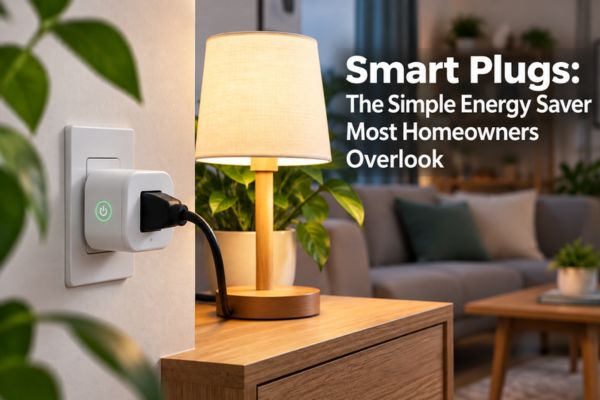
There’s a good chance something in your living room is costing you money right now. Not because it’s running because…