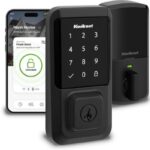
Your Home’s Complete Security Guide: Smart Locks, Cameras & Safety Sensors (2026)
Smart Home Security
Your home is full of connected devices. Your door recognises your phone. Your camera sends clips to your watch. Your thermostat learns when you’re away.
But is all of that connectivity actually making your home safer or just more complex?
The good news: smart home security technology has matured significantly. The right devices don’t just look impressive they actively reduce break-in risk, warn you about carbon monoxide before you can smell it, and let you check on your home from anywhere in the world.
This guide covers everything: smart locks, cameras, smoke and CO detectors, motion sensors, and how to layer these devices into a system that actually works. Whether you’re starting from scratch or filling gaps in your current setup, you’re in the right place.
Why Smart Home Security Is More Important Than Ever
Home security isn’t new. But the way we secure our homes has changed completely.
Traditional alarm systems required a monitoring contract, a landline, and a technician to install. Miss a payment? Your coverage might lapse. Go on holiday? You’d return to a stack of missed alerts and no real idea what happened.
Smart home security changes this equation. Today’s devices:
Alert you in real time
whether you’re on the couch or at the other end of the country
Record and store footage automatically
so you have evidence if something happens
Integrate with each other
meaning your camera can trigger your lights to switch on when motion is detected at 2am
Give you control from your phone
without needing a monthly monitoring fee (unless you want one)
The result is a home that’s actively working to protect you not just sounding an alarm after the fact.
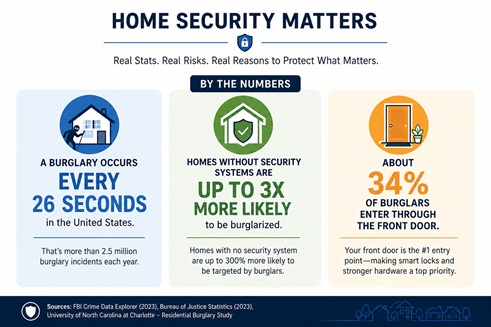
A burglary happens in the U.S. about every 26 seconds.
Homes without security systems are up to 3× more likely to be targeted.
Around 1 in 3 burglars enter through the front door, making a smart lock one of the most effective upgrades for many homeownersSources: FBI Crime Data Explorer, Bureau of Justice Statistics, University of North Carolina at Charlotte Residential Burglary Study
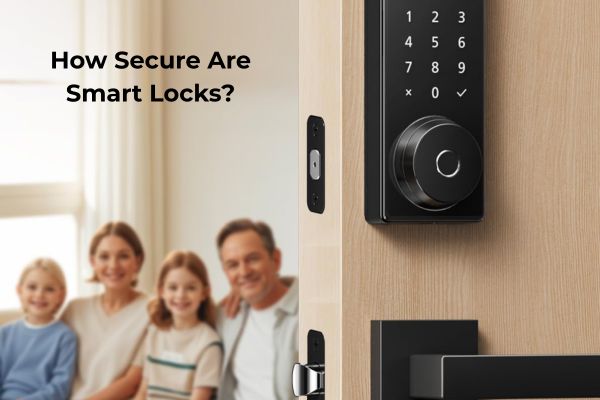
Smart Locks Your First Line of Defence
The front door is the most common entry point for break-ins. It’s also the easiest to upgrade.
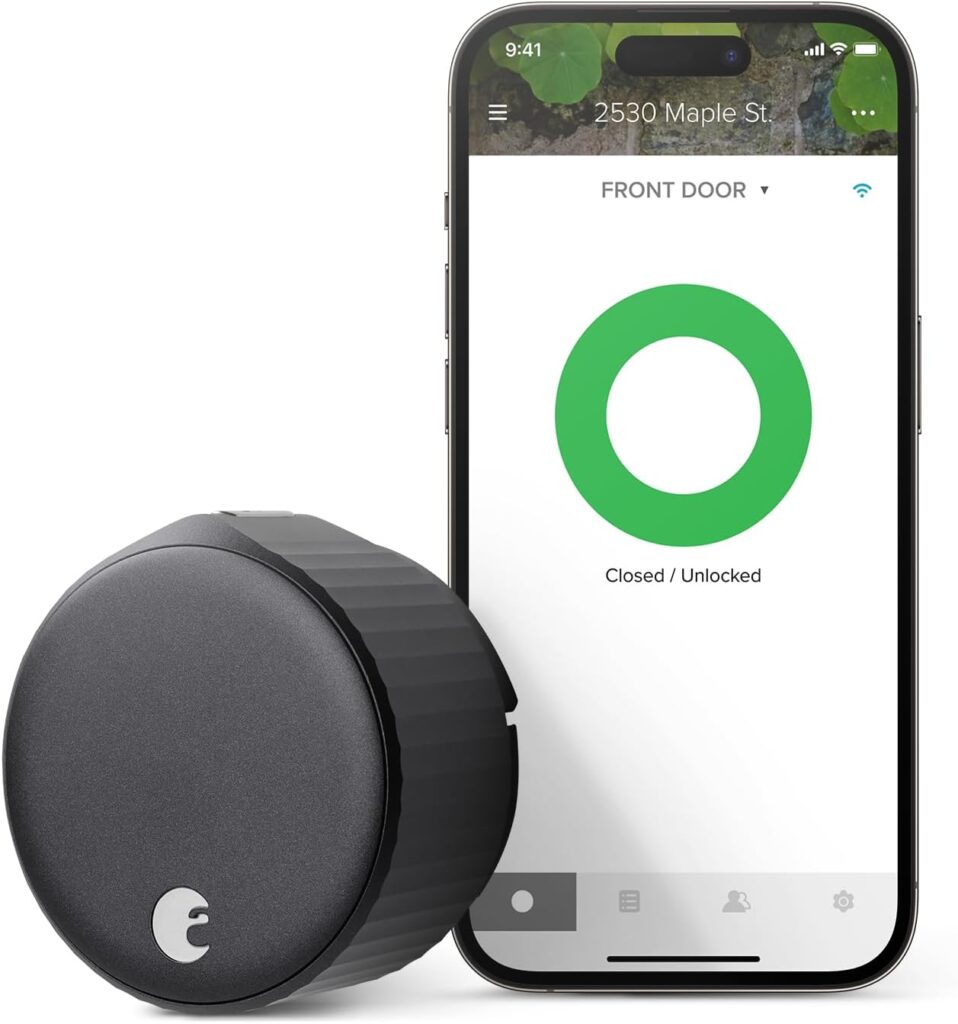
A smart lock replaces or sits over your existing deadbolt. Instead of a physical key, you unlock with a PIN, your smartphone, a fingerprint, or automatically when your phone comes close.
What Makes a Smart Lock Worth Installing?
Keyless entry
means no more hiding a spare key under the mat (which burglars check first). You can share temporary access codes with guests, tradespeople, or cleaners and revoke them the moment the job is done.
Remote access
lets you lock or unlock your door from anywhere. Forgot to lock up when you left for work? One tap fixes it.
Access logs
tell you exactly who came and went, and when. Useful for families with children, rental properties, or anyone who wants visibility over who’s been at their door.
Auto-lock
closes the door behind you automatically after a set time so “did I lock the door?” becomes a question you never have to ask again.
What to Look for in a Smart Lock
Before you buy, consider:
Retrofit vs. full replacement
retrofit locks fit over your existing deadbolt and are faster to install; full replacements look cleaner but require more work
Connectivity
most locks connect via Bluetooth, Z-Wave, Zigbee, or Wi-Fi; Wi-Fi locks work without a hub, but drain batteries faster
Battery life
look for 6–12 months on standard AA batteries; most locks warn you before they die
Smart home compatibility
check it works with your ecosystem (Amazon Alexa, Google Home, Apple HomeKit)
See Our Full Guide
Smart Cameras See Everything, Miss Nothing
A smart camera doesn’t just record. It understands what it’s seeing.
Modern home security cameras use AI to distinguish between a person at your door and a car driving past — so you get notified about what matters, not every gust of wind or passing cat.
Indoor vs. Outdoor Cameras
Outdoor cameras are your first visual line of defence. They deter opportunistic criminals (most burglars abandon a target when they spot a camera), and capture footage if anything does happen. Look for:
- 1080p or higher resolution
- Night vision (colour night vision is worth the upgrade)
- Wide-angle lens (at least 130°)
- Weatherproofing (IP65 or higher for NZ/outdoor conditions)
- Local storage option or affordable cloud storage
Indoor cameras cover what outdoor cameras can’t — what’s happening inside if someone does get in, or monitoring a specific area like a safe, valuables, or a baby’s room.
Doorbell Cameras: The Upgrade Most Homes Need First
If you’re choosing one camera to start with, make it a video doorbell.
You see who’s at the door before you open it. You can speak to couriers, neighbours, or unexpected visitors from anywhere via your phone. And you have a record of every person who approaches your front door.
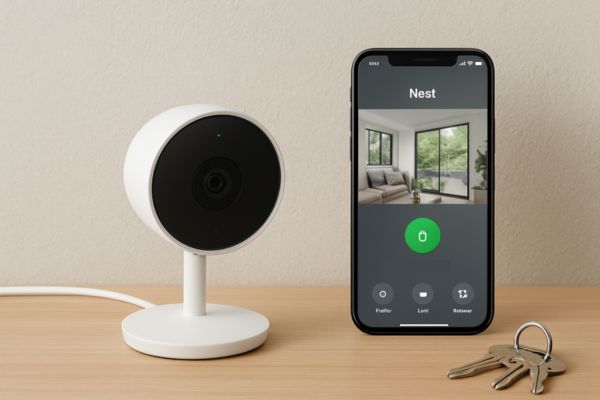
Nest Cam Review — our top camera pick for 2026
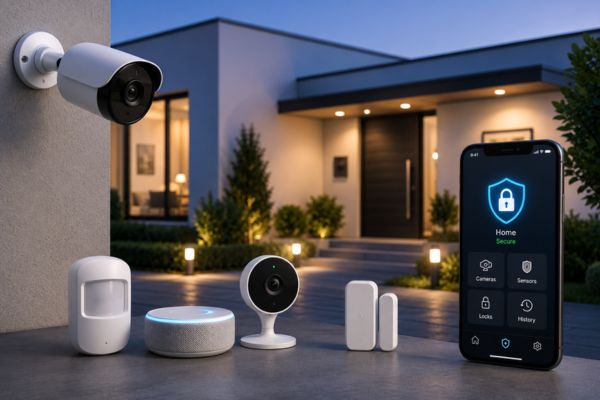
Best Smart Cameras for Home Security 2026
Smoke and CO Detectors The Safety Layer Most Homeowners Skip
Most people buy a smart lock. Far fewer upgrade their smoke detector.
That’s a mistake.
Carbon monoxide is colourless, odourless, and lethal. By the time symptoms appear headaches, dizziness, confusion it may be too late to act. Conventional detectors beep at you. Smart detectors send an alert to your phone, tell you which room the danger is in, and can trigger your smart lights to switch on so you can evacuate safely in the dark.
What Smart Detectors Do Differently
| Feature | Standard Detector | Smart Detector |
| Alert method | Audible alarm only | Alarm + phone notification |
| Location data | No | Yes tells you which room |
| Remote silence | No | Yes, via app |
| Self-testing | Manual only | Automatic monthly tests |
| Integration | None | Triggers lights, locks, HVAC |
| Battery status | You discover it when it chirps at 3am | App notification weeks in advance |
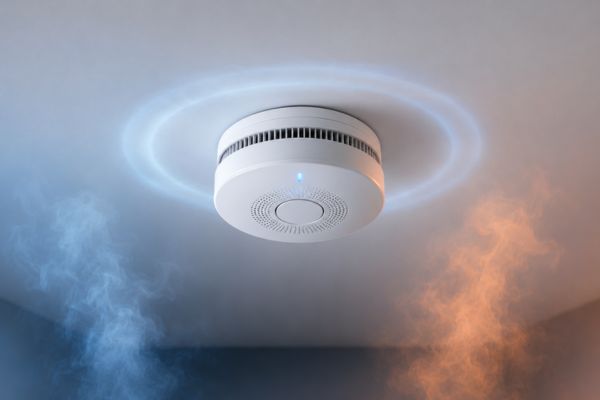
Do You Really Need a Smart Detector?
If you live alone, work long hours, or have family members who are heavy sleepers — yes.
The audible alarm in a standard detector only helps if someone in the house can hear it and react. A smart detector means your phone buzzes in your pocket whether you’re home or not.
Motion Sensors and Contact Sensors The Hidden Layer of a Smart Security System
Cameras and locks are visible. Sensors are invisible — and that’s exactly what makes them powerful.
Motion sensors detect movement within a zone. Place one in a hallway, near a safe, or by a back door, and you’ll know the moment someone enters that area — whether you’re home or not. Pair them with smart lights and intruders are instantly illuminated.
Door and window contact sensors are magnetic pairs — one piece on the frame, one on the door or window. When they separate (because the door opens), your system knows. They’re cheap, wireless, and one of the most effective entry-point monitors you can add to any home.
How to Use Sensors Effectively
Set modes
“Away” mode triggers an alert for any motion. “Home” mode only triggers alerts for specific zones (like the front door or safe room)
Combine with automation
motion detected at 2am + nobody home = lights on + camera recording starts + phone alert
Cover all entry points
most homes have more entry points than people realise — check back doors, sliding doors, garage entry points, and basement windows
How to Build a Layered Smart Home Security System
The most secure homes don’t rely on one device. They layer multiple systems so that if one fails — or one is defeated — others catch it. Think of it in three rings
The Three-Ring Security Model
Ring 1 — Perimeter (Outside Your Home)
Deter and detect before anyone reaches your door.
Devices: Outdoor cameras, video doorbell, motion-activated lights, visible smart lock
Ring 2 — Entry Points (Doors, Windows, Garage)
Alert you the moment someone tries to get in.
Devices: Smart lock, door/window contact sensors, glass break sensors
Ring 3 — Interior (Inside Your Home)
Catch anything that made it past the first two rings.
Devices: Indoor cameras, motion sensors, smoke/CO detectors
Start Small, Build Gradually
You don’t need to install everything at once. A practical starting sequence:
- Video doorbell — immediate visibility at your most-used entry point
- Smart lock — control and keyless access at the front door
- Outdoor camera — perimeter visibility at driveway or side gate
- Smoke/CO detector — safety layer for fire and gas risks
- Indoor sensors — motion and contact sensors to fill coverage gaps
This sequence gives you the highest security return per dollar at each stage.
The Most Common Smart Home Security Mistakes (And How to Avoid Them)
Mistake 1: Relying on a single device
One camera at the front door does not secure a home. Burglars case a property — if they spot a camera, they’ll look for another way in. Layer your system.
Mistake 2: Buying devices that don’t work together
A Zigbee camera, a Z-Wave lock, and a Bluetooth sensor can all be excellent products — but if they don’t share a hub or ecosystem, you’ll be managing three separate apps. Decide on an ecosystem (Alexa, Google Home, Apple HomeKit) before you buy.
Mistake 3: Skipping the CO detector
Smoke detectors are legally required in most homes. CO detectors are not — and that gap costs lives every year. Add one.
Mistake 4: Not updating device firmware
Smart devices run software — and that software has vulnerabilities. Enable automatic updates on every device, or check for updates monthly.
Mistake 5: Using default passwords on cameras
Factory-default passwords on security cameras are public knowledge. Change every device password immediately on setup, and use a password manager to track them.
Mistake 6: Forgetting about battery life
Battery-powered devices are convenient — but a dead battery defeats the purpose. Set calendar reminders to check batteries every 6 months, or buy devices with low-battery app alerts.
The Best Smart Security Devices for 2026
We’ve tested and reviewed the most popular smart security products. Here’s where to start:
Best Smart Locks
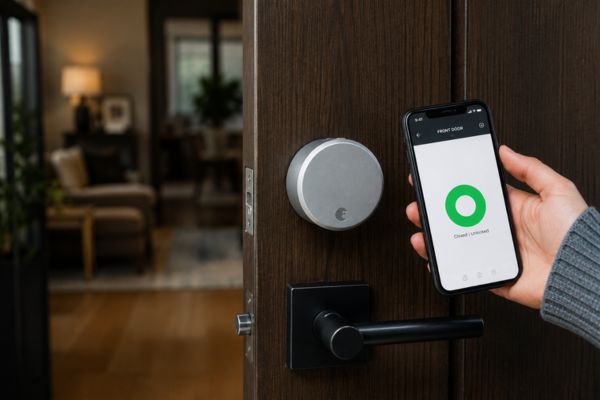
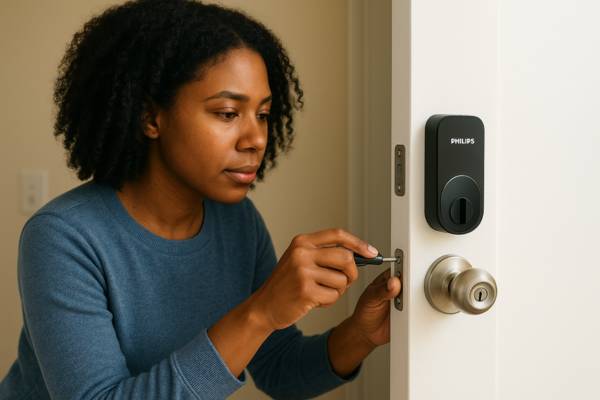
Best Smart Locks for Apartments Full comparison
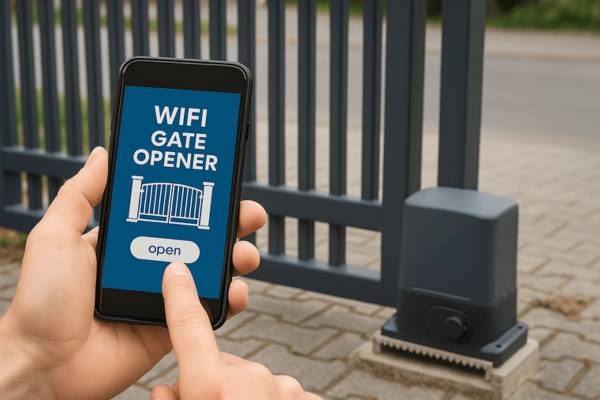
Best Smart Locks for Gates Outdoor and gate-specific options
Best Smart Cameras
[Nest Cam (Battery)] Best all-round outdoor camera
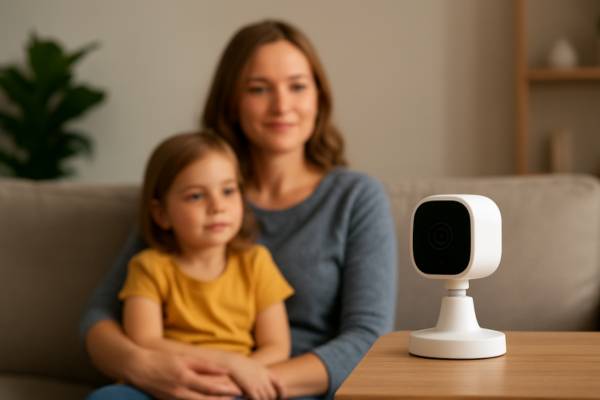
Best Smart Cameras for Home Security 2026 Full comparison of 8 cameras
Best Smoke & CO Detectors
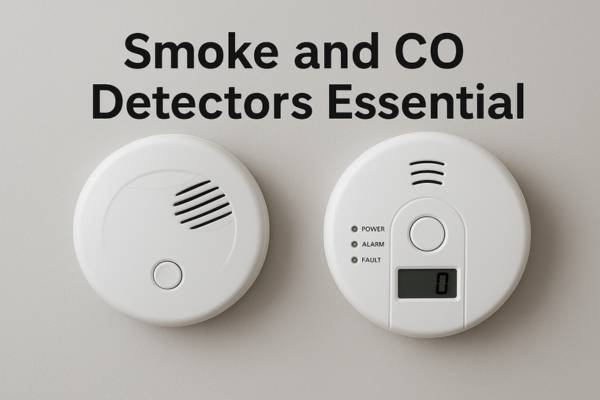
Recommended picks with comparison
Best Security Kits (All-in-One)
Best Smart Home Security Kits
Frequently Asked Questions About Smart Home Security
Not necessarily. Many devices — including most smart locks and basic cameras — work without a subscription. Monthly plans typically unlock cloud video storage, professional monitoring, or AI detection features. For most households, a no-subscription setup covers the basics well.
Any connected device carries some theoretical risk, but modern smart locks from reputable brands use strong encryption and are significantly harder to bypass than a physical lock. The bigger risk is weak PIN codes or shared access credentials. Use a strong, unique PIN and review your access log regularly.
Z-Wave and Zigbee are mesh radio protocols — they need a hub, but use very little power and work reliably across large homes. Wi-Fi devices connect directly to your router — easier to set up, no hub needed, but they use more bandwidth and battery. For a full explanation, see our connectivity guide → (link to Pillar 4: Connectivity & Control)
Most smart security devices are designed for DIY installation. Retrofit smart locks typically take under 10 minutes. Video doorbells can take 20–30 minutes if you’re wiring them to existing doorbell wiring. Sensors are usually peel-and-stick. Professional installation is available but rarely necessary for standard home setups.
A video doorbell covers your front door — which is the most common entry point. But side gates, back doors, driveways, and ground-floor windows are also common entry points. A video doorbell is a strong starting point, but a complete system includes at least one additional outdoor camera covering other angles.
Look for battery-powered, wireless devices that don’t require drilling or permanent installation. Smart locks with retrofit designs (they fit over your existing lock without replacing it) are ideal for renters. Most sensors and cameras can be mounted with adhesive strips rather than screws. → See our Apartment Security Guide (link to Best Smart Locks for Apartments)
Ready to Secure Your Home?
Start with one or two devices, build from there, and you’ll have a home that’s genuinely harder to break into
and one that keeps you informed no matter where you are.
Smart home security doesn’t have to be complicated or expensive.
Best Smart Home Security Kits: Top Systems for Every Home and Budget
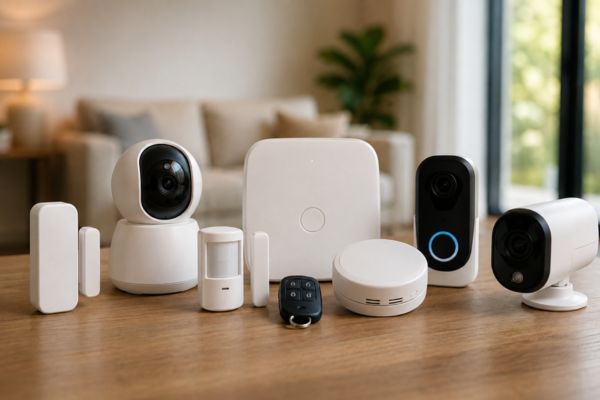
A smart home security kit is the fastest way to go from zero protection to a fully monitored home everything…
Best Smart Cameras for Home Security: Top Picks for Every Home
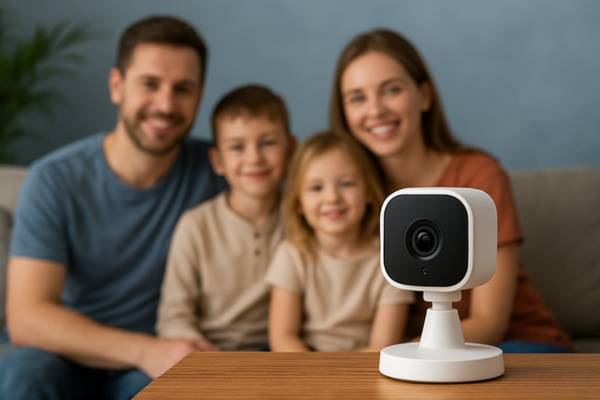
Discover the best smart cameras for home security compare top models with features, pricing, and compatibility for peace of mind.
Best Smart Locks for Apartments: Renter Friendly Options Compared
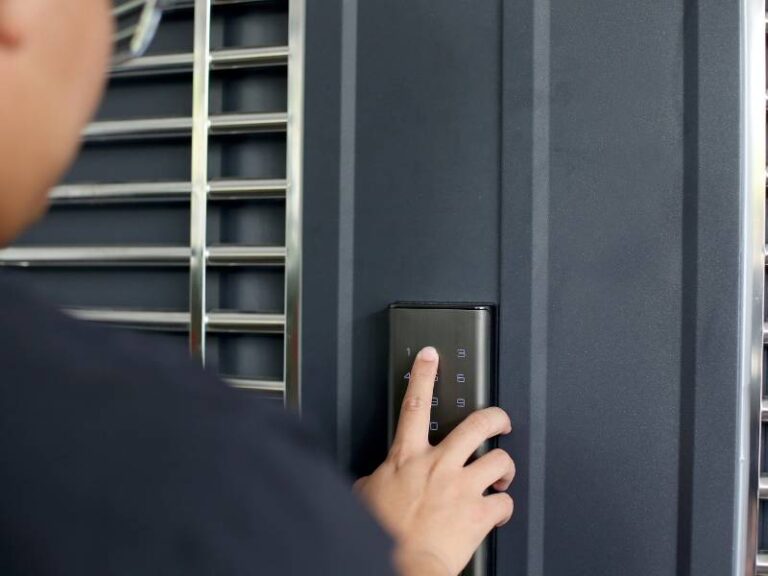
Best Smart Locks for Apartments: Renter-Friendly Options Compared Renting makes a smart lock harder to choose. You usually don’t own…
Google Nest Cam: Is It Worth the Price?
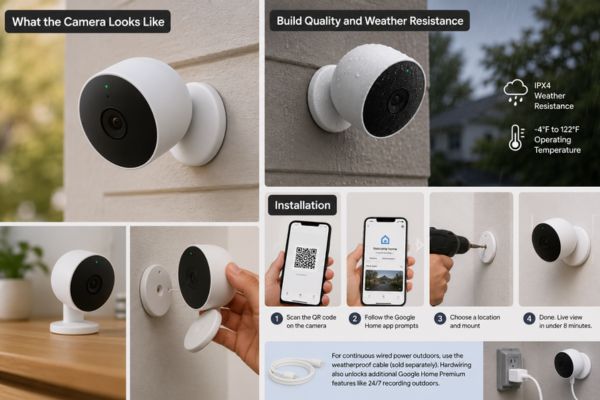
Most security cameras tell you something is happening outside your home. The Google Nest Cam tells you who is happening.…
August Smart Lock: Features, Security, Pros and Cons
August Smart Lock If you are considering upgrading your home security, this August Smart Lock will help you understand whether…