
Researched, not tested. We haven’t tested these locks ourselves. This guide compares Kwikset’s published specifications and independent reports, and every source is listed at the bottom. Last updated: October 12, 2026. Some links may be affiliate links; see our affiliate disclosure.
Kwikset sells smart deadbolts that connect in four different ways: Wi-Fi, Bluetooth, Zigbee or Z-Wave, and Matter over Thread. The right model depends mostly on how you want to control it and what smart home setup you already have. If you rent, there’s one more question to answer before you buy: whether you’re allowed to swap the lock at all.
Quick picks by situation
- You want Wi-Fi control with no hub and might use Matter later: Halo Select.
- You use an iPhone or Apple Watch and want tap-to-unlock: Halo Select Plus.
- You want a simple keypad lock and don’t need remote access: Aura (Bluetooth).
- You already run a Zigbee or Z-Wave hub: SmartCode 914 or 916.
Kwikset smart locks compared
| Model | How it connects | Hub needed? | Entry options | Worth knowing |
|---|---|---|---|---|
| Halo Select | Wi-Fi, with optional Matter over Thread | No for Wi-Fi; Thread needs a border router | Touchscreen code, key, phone app | No fingerprint reader or Apple Home Key |
| Halo Select Plus | Wi-Fi, with optional Matter over Thread | Same as Halo Select | Adds NFC tap-to-unlock with Apple Home Key | Tap-to-unlock needs a compatible iPhone or Apple Watch |
| Halo (original Wi-Fi line) | Wi-Fi | No | Keypad or touchscreen, key, app | Depends on Kwikset’s cloud service; confirm which versions are still sold |
| Aura | Bluetooth | No | Keypad, app | No remote access away from the lock |
| SmartCode 914 | Zigbee 3.0 or older Z-Wave Plus | Yes, a controller | Keypad, key | Holds up to 30 user codes |
| SmartCode 916 | Zigbee (the Z-Wave version is discontinued) | Yes, a controller | Touchscreen, key | Holds up to 30 user codes |
Halo Select
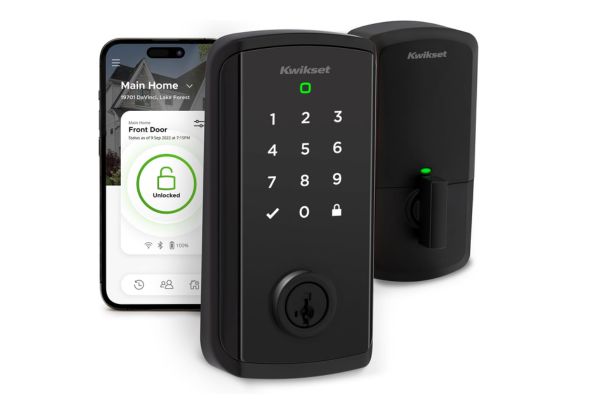
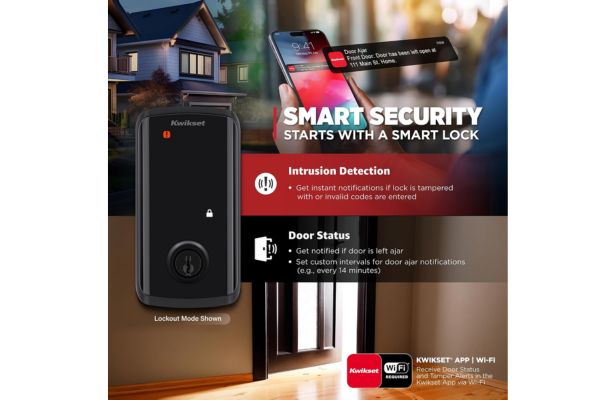
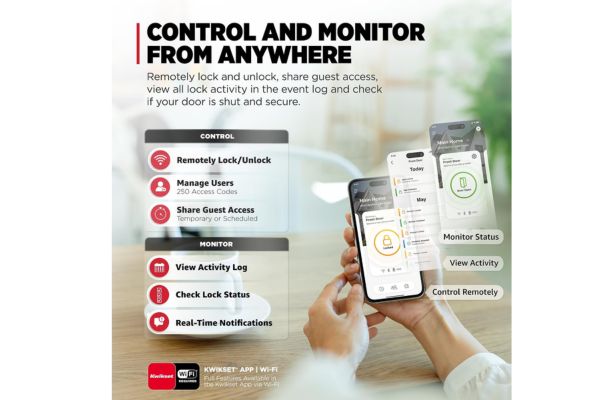
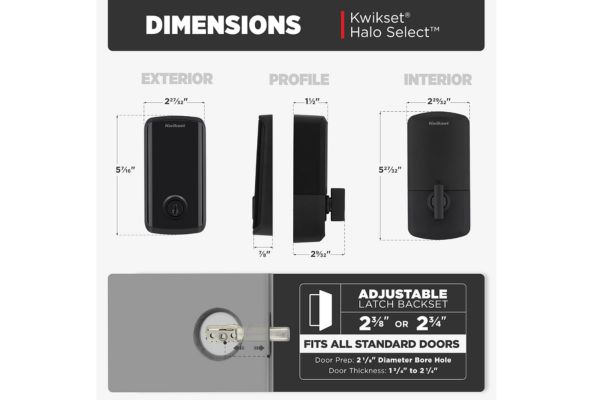
Halo Select is Kwikset’s redesign of the Halo line and its first lock with Matter. It has a numeric touchscreen keypad and a physical key cylinder, and it works with the Kwikset app, Alexa, Apple Home and Google Home. WiFi mode needs no hub. If you choose Matter over Thread, you need a compatible hub or controller such as an Apple TV 4K or a SmartThings Station.
Halo Select Plus
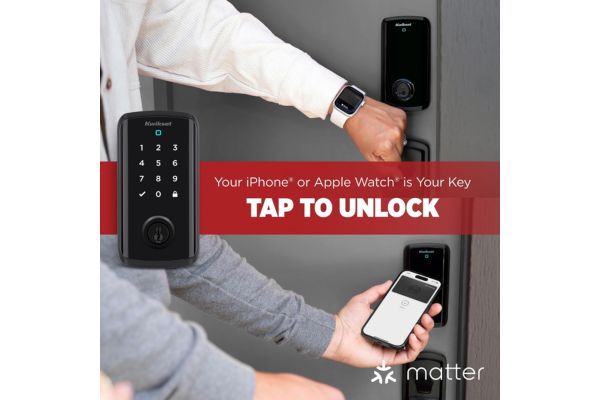
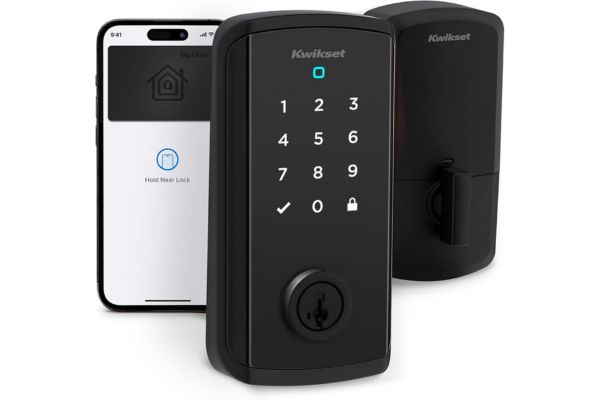
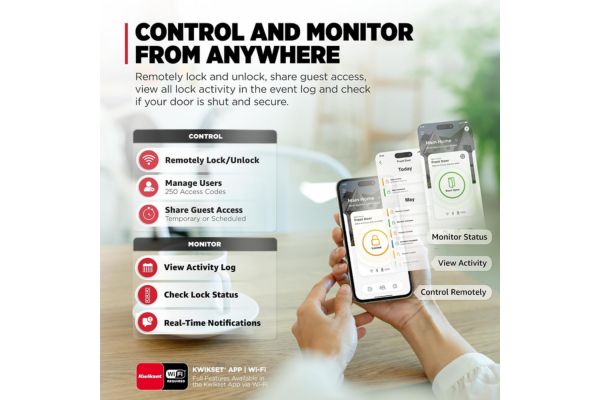
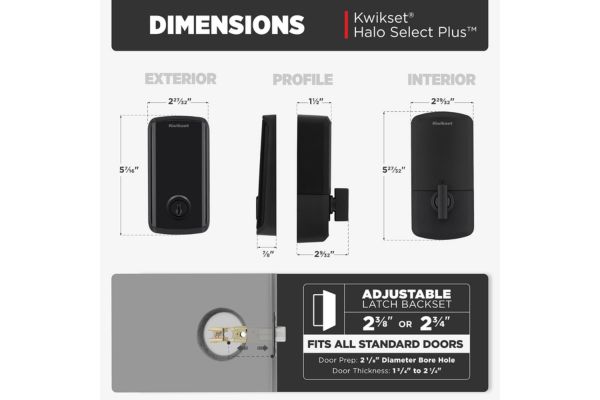
Halo Select Plus adds NFC tap to unlock with Apple Home Key. Both models include door status alerts. Halo Select uses four AA batteries.
Halo (original Wi-Fi line)
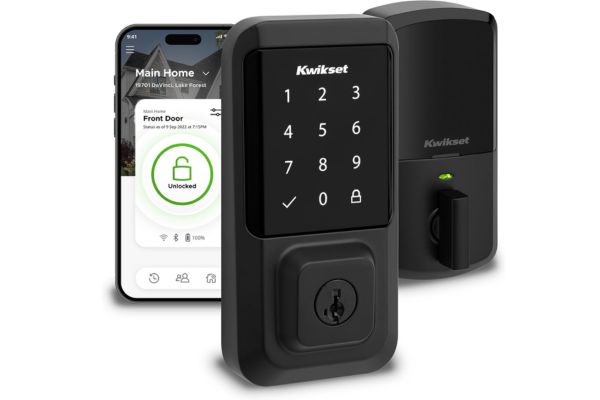
The original Halo is Kwikset’s first Wi-Fi lock. It works without a hub or bridge and is managed in the Kwikset app. The keypad version is still sold; it was the replacement Kwikset offered to Kevo owners. Some original touchscreen versions have been discontinued by retailers, so check what’s available before you buy. The Halo Wi-Fi line relies on Kwikset’s cloud, which matters if the service changes (see the Kevo note below).
Aura
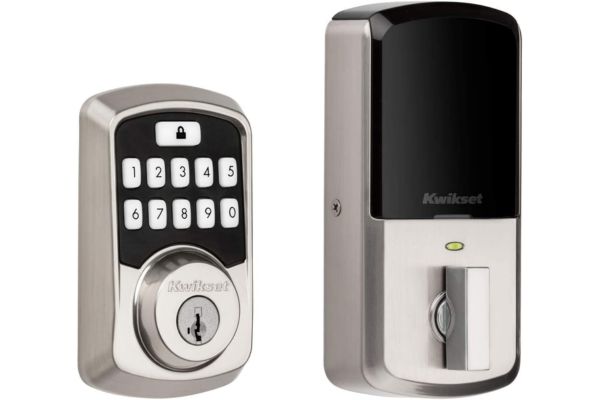
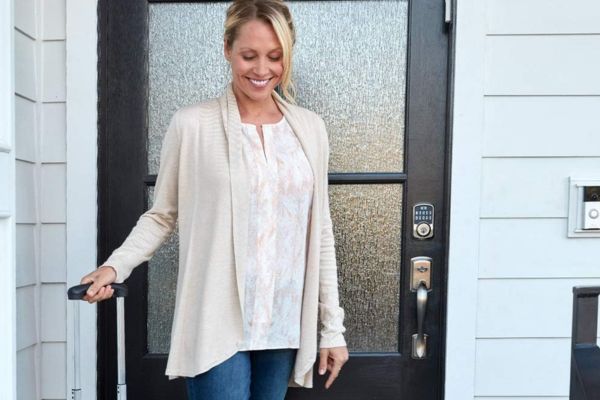
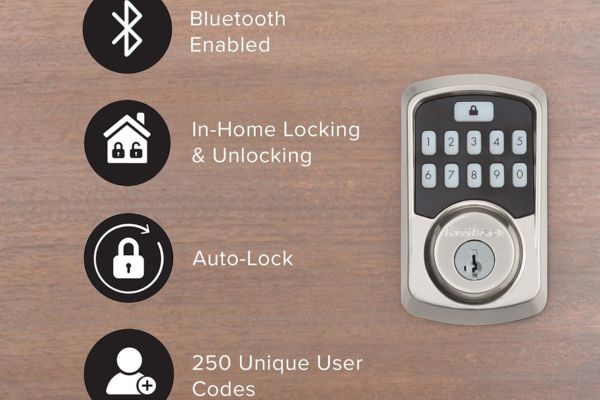
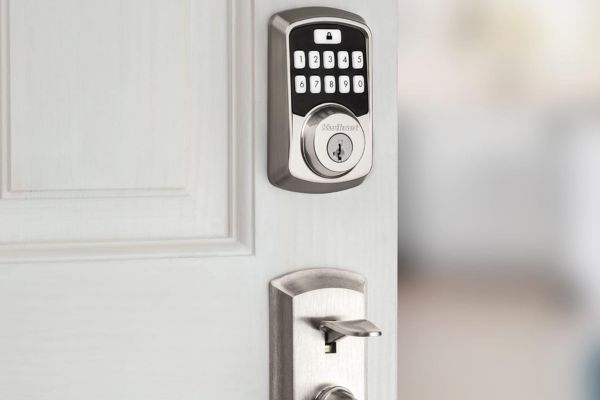
Aura is Kwikset’s Bluetooth keypad lock. You manage codes and schedules in the app while in Bluetooth range, and you don’t need your phone to lock or unlock it. It can hold up to 250 users. Because it uses Bluetooth only, you can’t lock or unlock it remotely or add codes while away. Check current availability on Kwikset’s site.
SmartCode 914 and 916
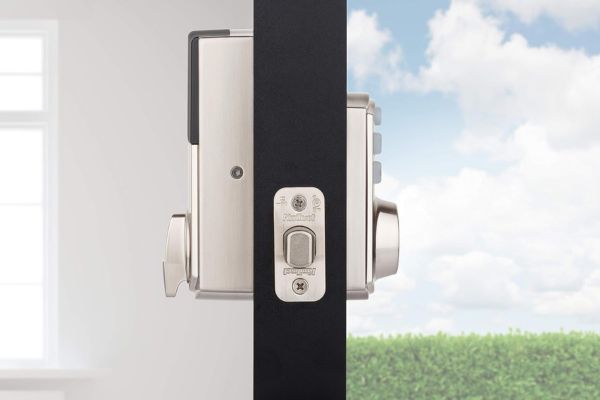
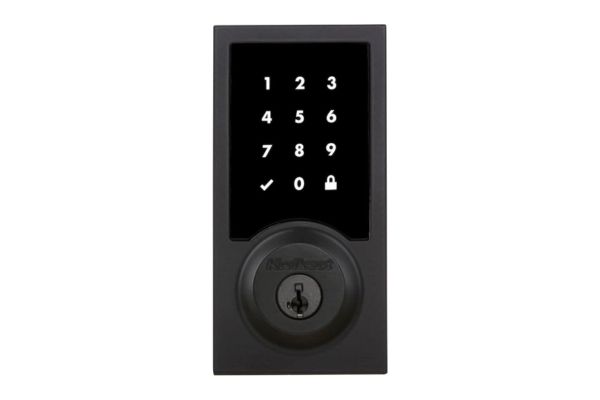
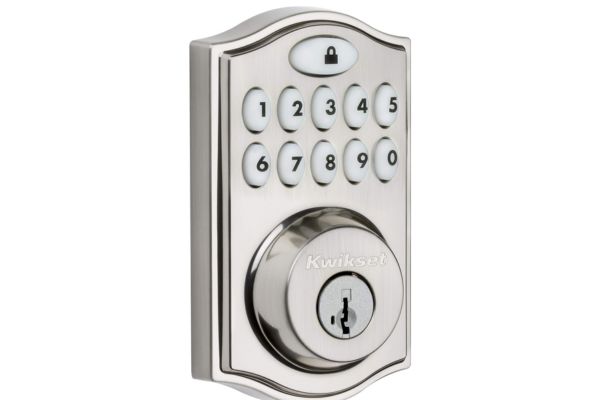
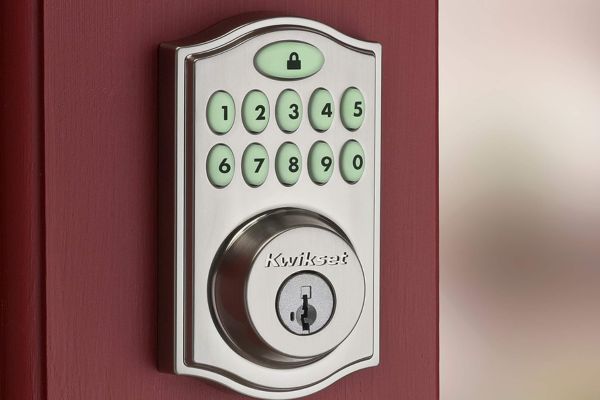
These are for people who already have a smart home hub. The 914 comes in a Zigbee 3.0 version and an older Z Wave Plus version, each holding up to 30 codes. The 916 adds a touchscreen; the Z-Wave 916 is discontinued, but the Zigbee version is current. They run on four AA batteries and need a controller that matches their radio.
If you own a Kevo lock
Kwikset’s Kevo app and web portal were discontinued. Kevo, Kevo Convert and Kevo Plus locks still work with a physical key or key fob, but you lose app and remote control. Kevo is no longer a smart lock we’d suggest buying.
How these locks connect, and why it matters
- Wi-Fi: easy setup and remote access without a hub. It usually depends on the maker’s app and servers.
- Bluetooth: no hub and no internet needed, but you must be nearby to manage it.
- Zigbee or Z-Wave: works with a matching hub; useful if you already own one. See our guide to smart home hubs.
- Matter over Thread: works across Apple Home, Google Home, Alexa and SmartThings, and needs a Thread border router.
The Kevo shutdown is a useful reminder that remote features can depend on the manufacturer’s servers. Always keep a physical key, and prefer a model that also works locally.
Features that matter
- Keypad codes and scheduling: give cleaners, guests or dog walkers temporary access and remove it later.
- Remote lock and unlock: available on Wi-Fi models and hub-connected models, not on Bluetooth-only Aura.
- Auto-lock: locks the door after a set time. Check the setting on your model.
- SmartKey re keying: Kwikset says SmartKey protects against lock picking, bumping and torque attacks and lets you re-key the lock yourself in seconds. Treat that as the manufacturer’s claim, not a guarantee. No lock is impossible to defeat.
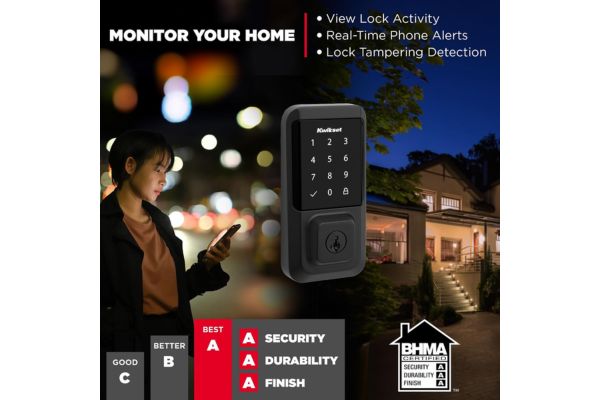
- Alerts and activity log: notifications for failed code attempts and door status on supported models.
Can renters use a Kwikset lock?
A Kwikset lock replaces your deadbolt, which in most rentals belongs to the landlord. Before you buy:
- Read your lease for rules on changing or adding locks.
- Get written permission from your landlord.
- Keep the original deadbolt and keys so you can reinstall them when you move out.
- Agree on emergency access with your landlord, such as a spare key or code.
- Check local rules. They vary, and this guide isn’t legal advice.
If you can’t replace the deadbolt, look at retrofit locks that fit over your existing one. See our guide to smart locks for apartments.
Installation and batteries
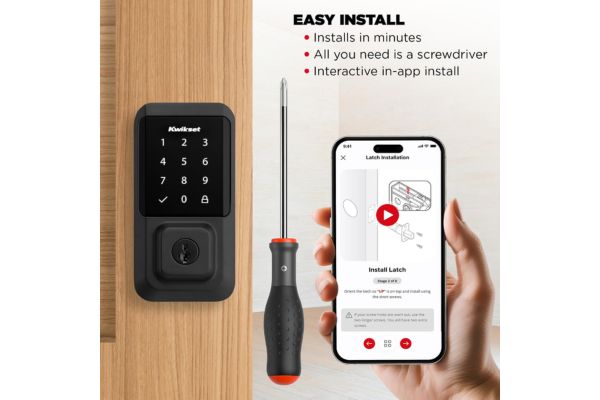
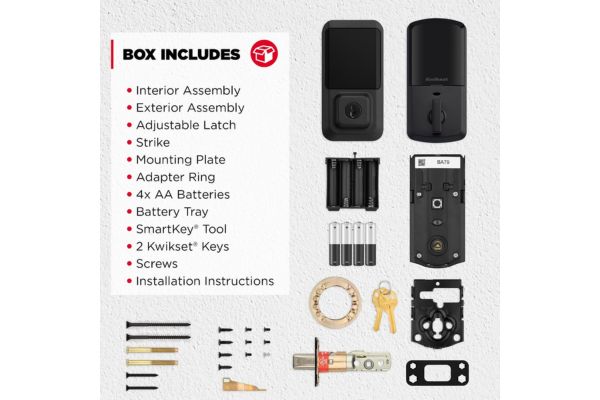
Kwikset describes its Halo locks as DIY friendly, and most installs need a screwdriver. Before buying, measure your door thickness and deadbolt backset and compare them with the spec sheet for the exact model. Halo Select and the SmartCode locks use four AA batteries. Battery life varies with model, connection type and use, so rely on the low-battery alerts and keep a spare set.
Security tips
- Use unique codes and avoid obvious ones like birthdays.
- View the activity log and delete codes you no longer need.
- Keep the app and lock firmware updated.
- Keep a physical key somewhere safe outside the home.
- Use a strong password and two-step verification on your Kwikset account.
For a broader look at risks, read how secure are smart locks.
Frequently Asked Questions
Halo and Aura locks pair through the Kwikset app, using Wi-Fi or Bluetooth. SmartCode locks pair with a Zigbee or Z-Wave controller. Follow the setup guide for your exact model.
Use the physical key, which Kwikset locks include. Most models can be reset and reprogrammed, and Kwikset support can help.
Halo Select and Halo Select Plus work with all three. Other models vary, so check the compatibility list on the product page.
Yes. Models differ in how many codes they hold, from 30 on the SmartCode locks up to 250 on some Halo and Aura models.
It can be a solid upgrade over a basic lock, but security depends on the model, your codes, your account and your door. See the security tips above.
Only with a physical key or key fob. Its app and web portal were discontinued on November 14, 2025.
Looking at another brand? Compare it with the Yale smart lock.