
Smart Home Comfort & Lifestyle: The Complete Guide to Living Smarter in 2026
Make Everyday Living Smarter and More Enjoyable
There’s a version of your home where the lights adjust themselves when a movie starts. Where you ask a question out loud and get an answer without touching your phone. Where every TV in the house streams exactly what you want, the moment you want it and you haven’t touched a cable remote in years.
That’s not a tech demo. That’s what a smart home feels like when it’s set up for comfort and lifestyle rather than just security or savings.
This pillar covers the devices and setups that make daily life at home more enjoyable: voice assistants, smart entertainment systems, streaming devices, and the automations that tie them together. Whether you want to upgrade one room or rethink your whole home experience, here’s where to start.
What “Smart Home Comfort & Lifestyle” Actually Means
Not every smart home upgrade is about protection or saving money. Some are just about making your home a more enjoyable place to be.
The comfort and lifestyle category covers the devices and systems that improve your daily experience the way you relax, entertain, and move through your home. It’s less about what your home prevents and more about what your home enables. Thats includes
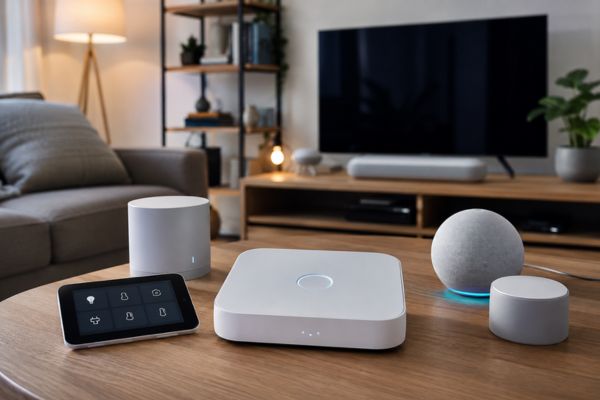
Voice assistants
hands-free control of music, questions, timers, smart devices, and more
Smart displays
voice assistants with screens, great for video calls, recipes, and visual media
Smart TVs
modern televisions with built-in streaming, voice control, and home integration
Streaming devices
dedicated hardware that transforms any TV into a smart entertainment center
Entertainment automations
the routines that dim the lights, adjust the thermostat, and start a playlist the moment movie night begins
This is the part of smart home technology that tends to get the most use, because it touches the part of your day you’re most likely to enjoy: time at home.
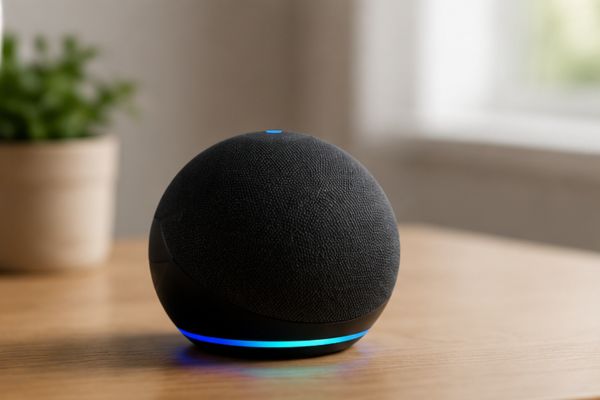
Voice Assistants Your Home’s New Control Center
VOICE ASSISTANTS
A voice assistant is software that understands natural language and responds to spoken commands. You know the names: Amazon Alexa, Google Assistant, Apple Siri.
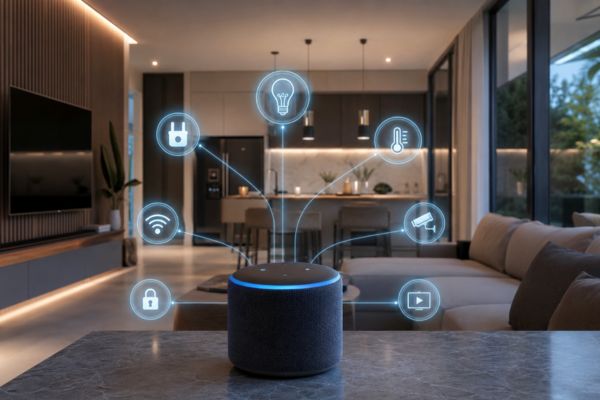
But calling them “assistants” undersells what they’ve become in a smart home context. In a well-configured home, a voice assistant is the control layer for nearly everything lights, thermostat, music, TV, locks, security cameras, shopping lists, timers, and routines. All of it accessible without touching a screen.
What Voice Assistants Can Actually Do in a Smart Home
Device control “Alexa, turn off the living room lights.” “Hey Google, set the thermostat to 70.” “Siri, lock the front door.” Any smart device that’s connected to your ecosystem responds to voice commands — and the list of compatible devices is now in the tens of thousands.
Information and search “What’s the weather in Chicago tomorrow?” “What time does the pharmacy close?” “How many tablespoons in a quarter cup?” Your voice assistant pulls real-time information without you having to pick up your phone.
Music and audio Voice assistants integrate directly with Spotify, Apple Music, Amazon Music, and most major streaming services. “Play something upbeat” or “Play jazz in the kitchen” works surprisingly well with modern AI music recognition.
Timers and reminders For cooking, workouts, or keeping track of anything time-sensitive — multiple simultaneous timers, all named. “Set a pasta timer for 10 minutes and a sauce timer for 20 minutes” just works.
Routines and automation triggers The most underused feature. A single voice command can trigger a chain of actions: “Alexa, movie time” dims the lights to 20%, lowers the blinds, turns on the TV, opens Netflix, and sets the thermostat to 68°F. One phrase, ten actions.
Who Actually Benefits Most From a Voice Assistant?
Voice assistants get dismissed as gimmicks by people who use them for trivia. They become genuinely essential for:
Households with young children
hands full, constantly need to control something without picking up a device
Home cooks
timers, unit conversions, and recipe guidance without touching a phone with messy hands
Older adults or anyone with limited mobility
voice control removes physical interaction entirely
Anyone who’s already building a smart home
because voice becomes the fastest way to interact with everything else
See the full case
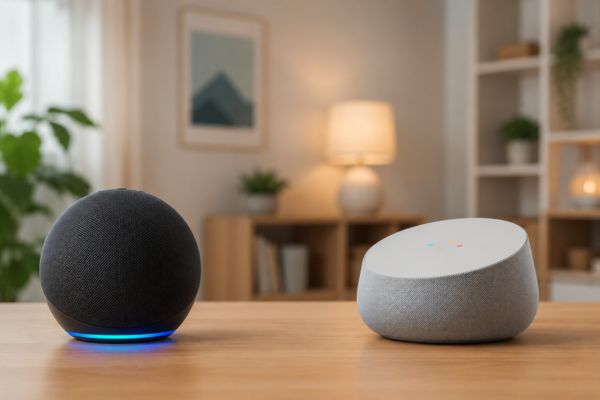
Alexa vs Google Assistant vs Siri — Which Should You Choose?
This is the question everyone asks before buying their first smart speaker or display. The honest answer: all three are excellent, but they’re optimized for different things and choosing wrong means rebuilding later.
Amazon Alexa — Best for Smart Home Control
Alexa is the right choice if:
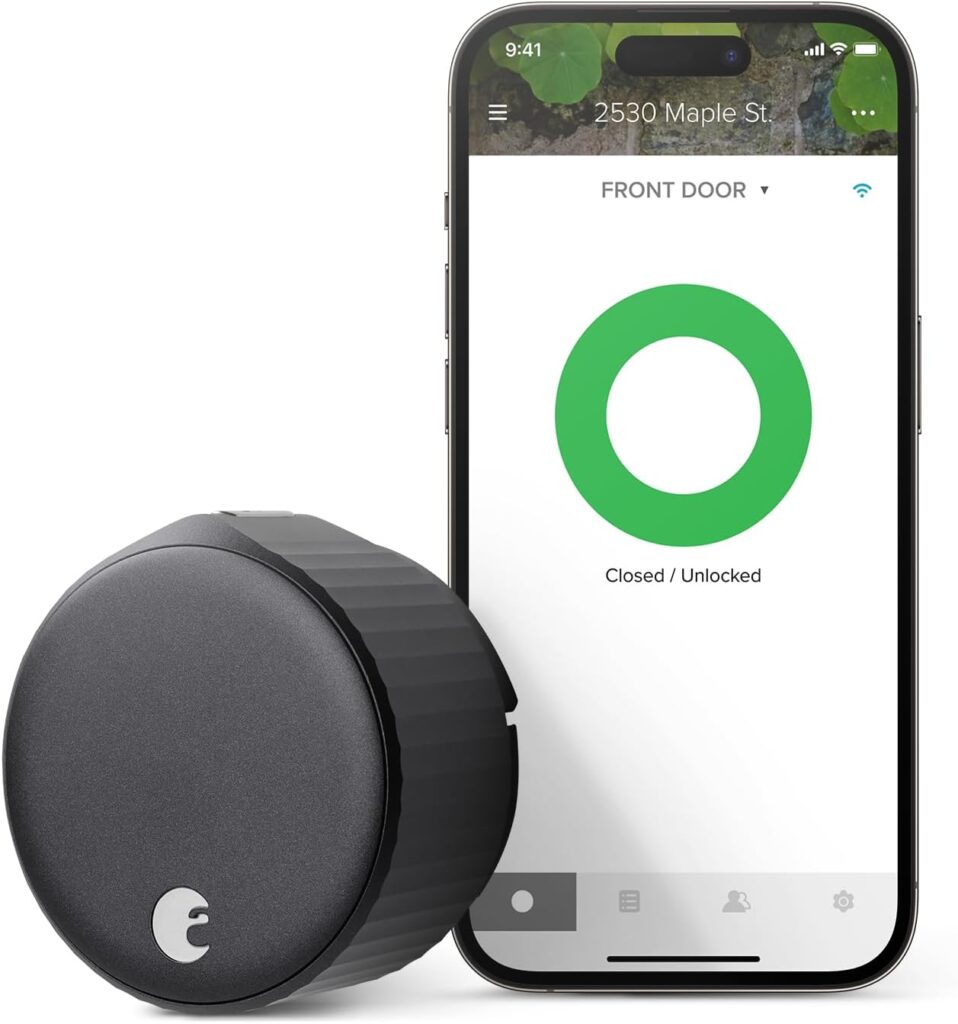
- You’re building a smart home with devices from multiple brands (locks, cameras, lights, plugs)
- You shop on Amazon frequently (Alexa integrates directly with your cart, order tracking, and Prime)
- You want the widest selection of compatible Echo hardware across multiple price points
- You use Spotify, Amazon Music, or Audible
Where it falls short: Google Assistant pulls better answers to factual questions. Siri integrates more tightly with Apple devices.
Google Assistant — Best for Information and Android Households
Google Assistant runs on the most powerful knowledge graph in the world. Ask it a complex question, and it will find a better answer than either of its competitors. It also integrates deeply with Google’s own apps — Calendar, Gmail, Maps, YouTube — which makes it a natural choice for anyone already living in Google’s ecosystem.
Google Assistant is the right choice if:
- You use Android phones and Google apps (Gmail, Calendar, YouTube)
- You want the best factual answers and search integration
- You use Google Nest smart home devices (Nest Thermostat, Nest Cameras, Nest Hub displays)
- You have a Chromecast or Google TV setup
Where it falls short: Slightly fewer third-party smart home device integrations than Alexa. Less compelling for heavy Amazon shoppers.
Apple Siri (HomeKit) — Best for iPhone and Apple Households
If your household runs on iPhones, iPads, and Macs, HomeKit and Siri offer something the others can’t: privacy-first local processing and deep integration with your Apple devices. HomeKit devices process many commands locally rather than sending data to the cloud.
Siri/HomeKit is the right choice if:
- Everyone in your household uses iPhone and Mac
- Privacy is a priority — HomeKit’s local processing approach keeps more data on-device
- You already own an Apple TV (which acts as a HomeKit hub)
- You use Apple Music, Podcasts, or Apple TV+
Where it falls short: Fewer compatible devices than Alexa or Google. Siri’s general AI capabilities lag behind both competitors on complex questions.
The Quick Decision Framework
| Feature | Alexa | Google Assistant | Siri / HomeKit |
| Best for | Smart home control | Information & search | Apple ecosystem |
| Smart home compatibility | Widest | Very wide | More limited |
| AI/Knowledge | Good | Best | Improving |
| Privacy approach | Cloud-based | Cloud-based | More local processing |
| Best hardware | Echo line | Nest Hub line | HomePod, Apple TV |
| Ideal user | Amazon households | Android/Google users | iPhone households |
SMART DISPLAY
Smart Displays — The Voice Assistant Upgrade You Didn’t Know You Needed
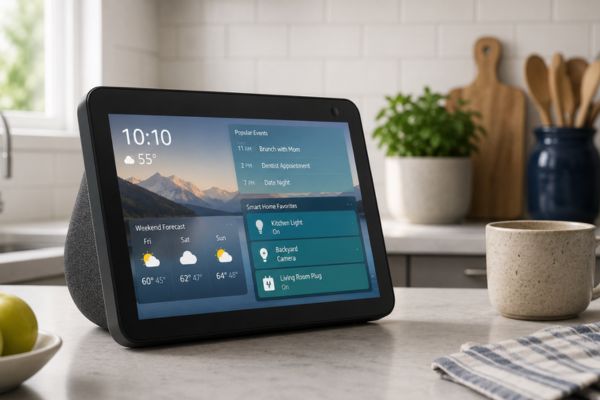
A smart display is a voice assistant with a screen. Think of it as a tablet that’s always on, always listening, and always showing you something useful.
They sound like a niche product. In practice, they’re one of the most-used devices in homes that have them.
What a Smart Display Does That a Smart Speaker Can’t
Video calling
A smart display on your kitchen counter means video calls with family happen spontaneously, without hunting for your phone or opening a laptop. Grandparents can call the grandkids without anyone pressing a button — just a voice command, and the call connects.
Visual recipes
“Show me how to make risotto” pulls up a step-by-step recipe with photos — hands-free, on a screen at eye level while you cook. Better than a phone propped against a fruit bowl.
Home camera feeds
Tap or ask to see your front door camera, your backyard, your driveway. A smart display makes this feel natural rather than like opening an app.
Ambient display
When nobody’s using it, a smart display shows weather, family photos, artwork, or a digital clock. It functions as a tasteful addition to a kitchen counter or bedside table rather than a piece of tech that looks intrusive.
Kids’ content. Amazon Echo Show and Google Nest Hub both have dedicated kids’ content modes educational games, stories, and videos that respond to voice commands.
SMART ENTERTAINMENT
Smart Entertainment TVs, Streaming, and the End of the Cable Box
Americans are watching more content than ever — and paying more for cable than they need to. The average US household with a cable subscription spends around $100+ per month on television service. Smart home entertainment technology makes it easy to cut that bill significantly while actually improving what you can watch.

What Makes a TV “Smart”?
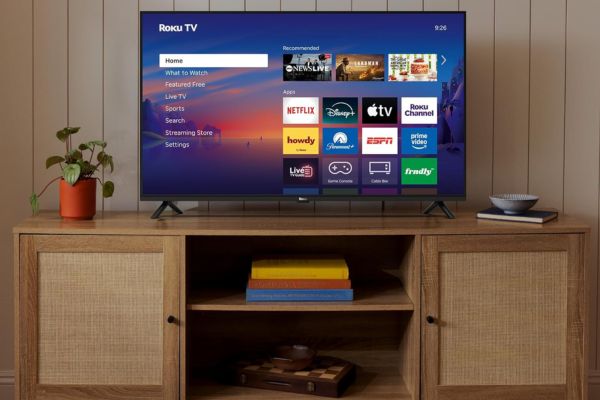
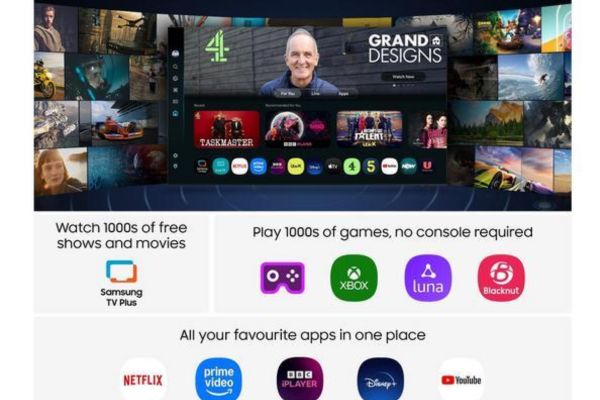
A smart TV has an internet connection, a built-in operating system (like Roku TV, Google TV, Fire TV, or Samsung Tizen), and access to streaming apps directly on the television — no external device required.
Smart TV Operating Systems What You’re Actually Choosing
When you buy a smart TV, you’re choosing a software platform as much as a display. Here’s what each major platform offers:
Roku TV
The most straightforward platform. Simple interface, excellent app support, no ecosystem lock-in, works with Alexa and Google Assistant. Best for people who want simplicity and access to everything without brand loyalty.
Google TV
Built on Android TV; integrates deeply with Google’s apps and Chromecast. Excellent for Android/Google households. Strong recommendations engine pulls content from across all your streaming services.
Amazon Fire TV
Amazon’s platform; integrates best with Alexa, Prime Video, and Amazon services. Works well in Alexa-heavy households. Prime Video content gets prominent placement.
Samsung Tizen
Samsung’s proprietary platform. Strong hardware, competitive software, excellent for people who want a premium display (QLED, OLED) with smart features built in. The Samsung Frame TV runs Tizen with an “art mode” that displays artwork when the TV is not in use.

STREAMING DEVICE
Streaming Devices — The Best Way to Upgrade Any TV
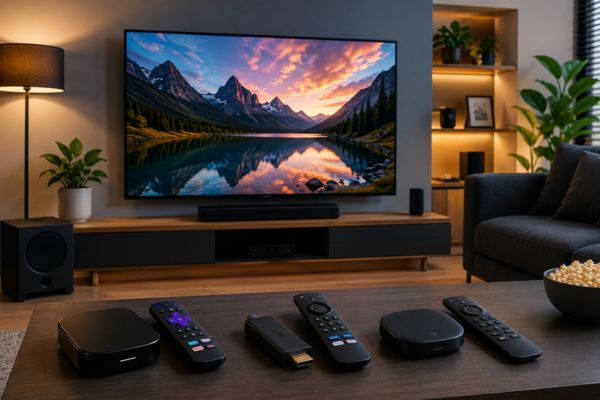
If you already have a TV smart or otherwise a dedicated streaming device is often a better investment than replacing it.
Here’s why: streaming devices are updated more frequently than TV software, respond faster, support more apps, and integrate better with smart home ecosystems. A $50 streaming stick can outperform the built-in software on a $1,200 TV.
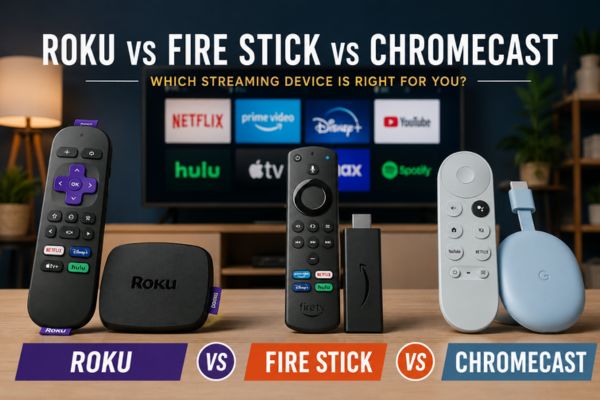
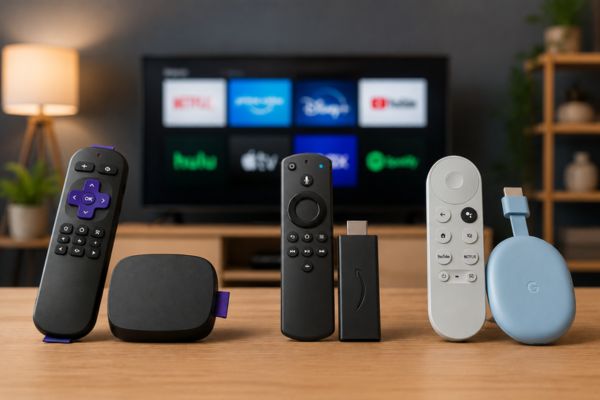
The Three Major Streaming Devices Compared
Roku remains the most neutral, user-friendly streaming platform on the market. No ecosystem allegiance — it works equally well whether you’re an Alexa household, a Google household, or neither. Every major streaming service is supported, the interface is clean, and it doesn’t push its own content at you.
Best for: Streaming-first households who just want everything to work without friction.
Amazon’s streaming hardware integrates best with Alexa. Voice search across Prime Video, Alexa device control, and seamless Echo speaker pairing make it feel native in an Amazon household. The Fire TV Cube is particularly powerful — it can control your entire home theater via HDMI-CEC and voice, replacing multiple remotes.
Best for: Amazon Prime households and anyone who wants deep Alexa integration.
Google’s streaming device brings Google TV’s content aggregation to any HDMI port. One search pulls results from Netflix, Hulu, HBO Max, Disney+, and every other service simultaneously rather than searching each app separately. Integrates naturally with Android phones (cast from phone to TV in one tap) and Google home setups.
Best for: Android and Google ecosystem households; people frustrated by searching app by app.
Do You Need a Streaming Device If You Have a Smart TV?
Probably yes, if:
- Your TV is more than 3–4 years old and the built-in software has slowed down
- Your TV doesn’t support an app you use frequently
- You want deeper Alexa or Google Assistant integration than your TV’s native software offers
- You’re frustrated with slow interface response times on your current TV
HOME THEATER
Home Theater Automation The Setup That Impresses Everyone
Individual devices are useful. A coordinated entertainment setup that responds to one command is genuinely impressive — and not as complicated to build as it sounds.
What a “Movie Night” Automation Actually Looks Like
When configured well, saying “Alexa, movie time” or pressing one button triggers all of this simultaneously:
This isn’t a complex custom installation. Every item on that list is achievable with off-the-shelf smart devices costing under $500 total most of which you may already own.
The Components of a Smart Home Theater
Smart TV or streaming device
The display layer; controls content and the core experience
Smart speaker or soundbar
For voice commands and audio; many modern soundbars integrate directly with Alexa or Google Assistant
Smart hub or ecosystem
Alexa, Google Home, or Apple HomeKit as the coordination layer that ties every device together into a single automation
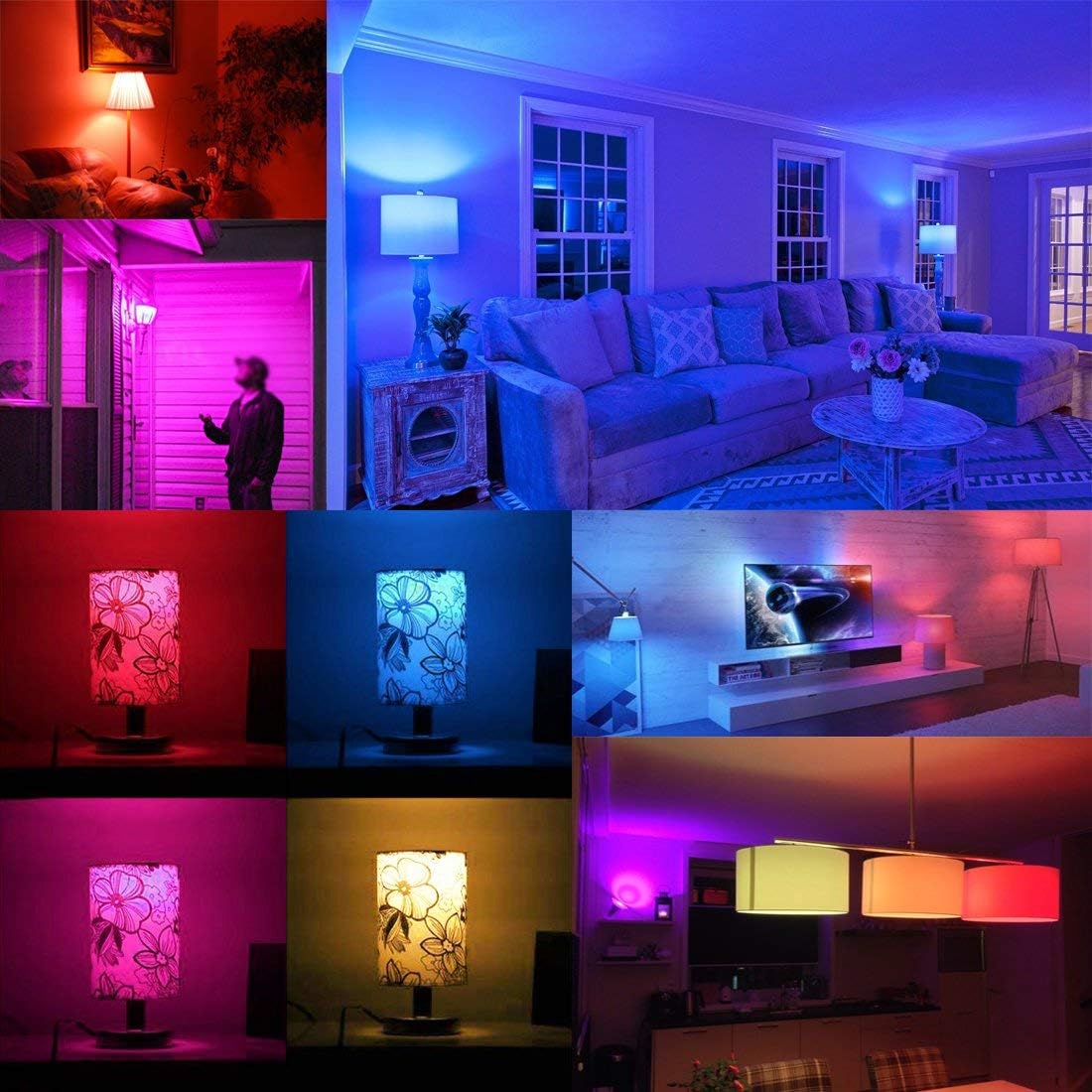
Smart lighting
Philips Hue, LIFX, or any Alexa/Google-compatible bulbs in the room; dimmable and color-adjustable
Smart plugs
For any non-smart device in your entertainment center (older receiver, projector, gaming console); lets you include them in automations even without native smart features
Setting Up Your First Entertainment Routine
How to Build a Comfort-First Smart Home (Room by Room)
SMART HOME ROOM BY ROOM
Unlike security (which starts at entry points) or energy (which starts with your largest systems), comfort upgrades are most effective when approached room by room.
Living Room
The living room is the highest-priority room for comfort upgrades it’s where most entertainment and relaxation happens.
Start with:
Add later:
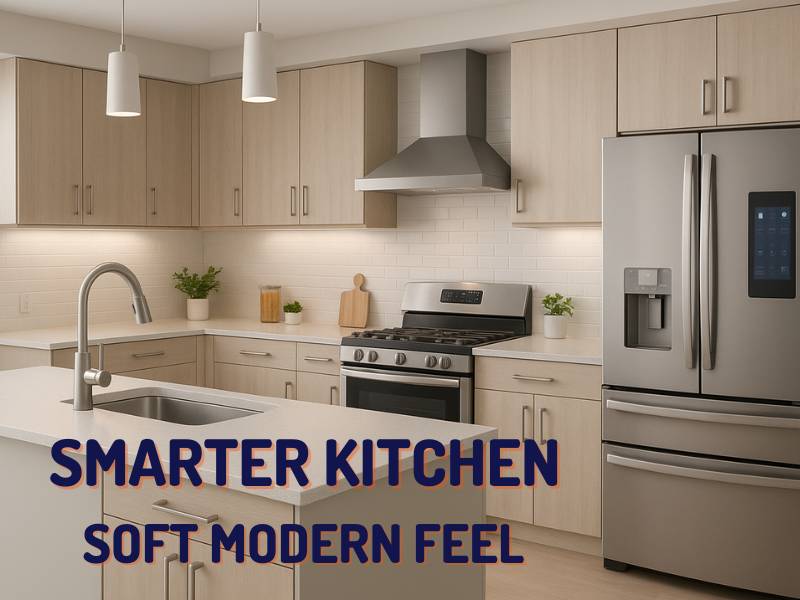
Kitchen
The kitchen is where voice assistants earn their keep fastest.
Start with:
Add later:
Bedroom
The bedroom is about sleep quality and morning routines.
Start with:
Automations to set up:
| “Goodnight” routine: lights fade to off over 30 minutes, do not disturb activates, white noise starts |
| “Good Morning” routine: lights gradually brighten starting 15 minutes before alarm time |
Home Office
Start with:
The Most Common Smart Entertainment Mistakes (And How to Avoid Them)
Mistake 1: Buying a smart speaker before deciding on an ecosystem An Echo Dot is $30.
A house full of Echo devices that you later want to replace with Google because your household switched to Android is a different problem. Choose your ecosystem first — then buy hardware.
Mistake 2: Relying entirely on the built-in TV software The software on most smart TVs lags behind dedicated streaming devices by 2–3 years.
If your TV feels slow or keeps buffering on fast internet, add a Roku stick or Fire TV before assuming your TV is due for replacement.
Mistake 3: Setting up voice assistants but never building any routines A single smart speaker answering trivia questions is a $50 novelty.
The same device triggering a chain of five automations with one phrase is a meaningful quality-of-life upgrade. Spend 20 minutes in the app building two or three routines — the difference is significant.
Mistake 4: Buying smart displays for every room before testing one A smart display in the kitchen is useful for almost everyone.
A smart display in the bedroom, living room, and home office is useful for far fewer people. Buy one, live with it for a month, then decide if you want more.
Mistake 5: Forgetting about Wi-Fi quality Streaming 4K video to three rooms simultaneously requires a robust home network.
If your router is more than 4 years old or you have dead spots in your home, a mesh Wi-Fi system (like Eero or Google Nest WiFi Pro) is a prerequisite for a reliable smart entertainment setup — and arguably the most underrated comfort upgrade in a connected home.
Mistake 6: Overcomplicating the remote situation The goal of a smart home entertainment setup is fewer remotes, not more.
If your setup requires four remotes or three apps to watch a movie, something went wrong. A universal remote (Logitech Harmony) or a single voice command should handle everything in a well-configured room.
BEST DEVICE ROUND UP
The Best Comfort & Lifestyle Smart Home Devices for 2026
We’ve tested and reviewed the top options in every category. Here’s the shortlist:
Best Voice Assistants (Smart Speakers)
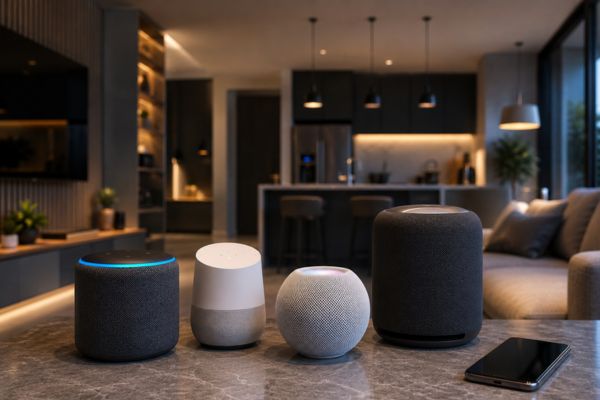
Full comparison → Best Voice Assistants for Smart Homes 2026
Our ecosystem recommendation → Alexa vs Google Assistant Comparison
Best Smart Displays
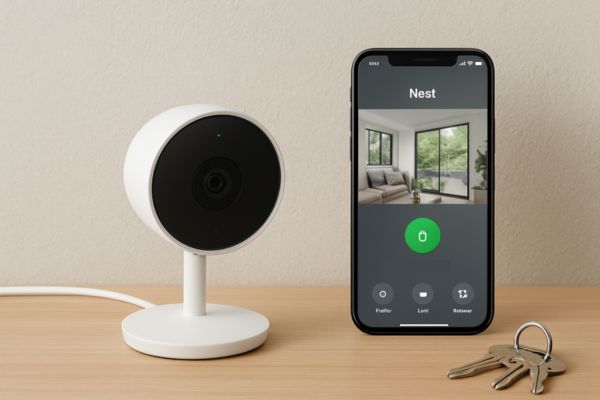
Amazon Echo Show 8 — Best mid size display for Alexa households
Google Nest Hub Max — Best for Google/Android households
Best Smart TVs
Full comparison → Best Smart TVs & Streaming Devices 2026
Premium pick → Samsung Frame TV Review
Best Streaming Devices
Full comparison → Roku vs Fire Stick vs Chromecast: Which Should You Buy?
Roku Streaming Stick 4K — Best for neutral, cross-platform households
Read More →
Amazon Fire TV Cube — Best for Alexa households
Read More →
Chromecast with Google TV — Best for Android/Google households
Read More →
Best for Entertainment Automation
Bias lighting: Govee TV Backlight, Philips Hue Play Bar
Read More →
Smart plugs for entertainment centers: Kasa EP25 (with energy monitoring)
Read More →
Universal remote: Logitech Harmony Companion (for non-voice-controlled setups)
Read More →
Frequently Asked Questions About Smart Home Comfort & Lifestyle
For most US households, Amazon Alexa is the most practical starting point it has the widest compatibility with third-party smart home devices, a broad range of hardware at different price points, and the largest installed base means more tutorials and community support. If your household is already on Android and deep into Google’s apps, Google Assistant is equally strong. If everyone has iPhones and you value privacy, HomeKit is worth the consideration.
Yes, technically, but it creates friction. Devices often aren’t controllable across ecosystems (an Alexa device can’t trigger a HomeKit-only device), and maintaining two apps for automations becomes frustrating quickly. Most households land on one primary assistant and use the other sparingly (or not at all).
No. A streaming device connected to any TV with an HDMI port delivers the same apps and quality as a smart TV’s built-in software — often better. If you have a good-quality non-smart TV (or an older smart TV with slow software), a $50–$100 streaming stick is almost always the right move before replacing the TV itself.
A smart speaker (like an Amazon Echo or Google Nest Mini) is audio-only voice in, voice out. A smart display (like the Echo Show or Nest Hub) adds a screen useful for video calls, visual recipes, camera feeds, and ambient display. Smart displays cost more ($100–$250 vs $30–$100 for speakers) but the added utility is significant for kitchens and family common areas.
A basic setup — smart speaker, streaming device, and smart lighting in one room can be built for under $150, especially with Amazon or Google sale events (Prime Day, Black Friday). A fully automated living room with smart TV, bias lighting, smart blinds, and a multi-device automation setup runs $400–$800 depending on the TV. The streaming and voice assistant pieces are genuinely affordable; the display hardware (TVs) is where costs scale.
Yes, smart TV software tends to lag as app requirements grow and the TV’s processor ages. This typically becomes noticeable 3–5 years after purchase. The fix isn’t a new TV it’s a dedicated streaming device plugged into the HDMI port, which effectively replaces the TV’s operating system with a newer, faster one.
Entirely. Smart speakers, displays, streaming devices, and smart bulbs don’t require permanent installation. A renter can build a fully voice-controlled entertainment setup across multiple rooms without drilling a single hole. Smart switches (which replace wall switches) are the only category that requires more consideration in rental situations smart bulbs are the renter-friendly alternative.
Ready to Make Your Home More Enjoyable to Live In?
A comfort-first smart home doesn’t require a renovation or a large budget. A smart speaker in the kitchen, a streaming stick on the living room TV, and two or three automations built over a weekend can meaningfully change how your home feels day to day.
Amazon Echo Show: Is It Worth Buying?
Amazon Echo Show: Is It Worth Buying? Smart displays have become a central part of modern smart homes, combining the…
Alexa vs Google Assistant Comparison: Which Is Better?
Voice assistants have become an essential part of modern smart homes. Whether you want to control lights, play music, manage…
Best Voice Assistants for Smart Homes
Best Voice Assistants for Smart Homes Voice assistants have become the heart of modern smart homes, allowing homeowners to control…
Benefits of Voice Assistants in Daily Life: They Make Life Easier
Benefits of Voice Assistants in Daily Life Benefits Voice assistants have evolved from simple tools that answer questions into intelligent…