
Disclosure: Some links here are affiliate links. We may earn a commission at no extra cost to you. As an Amazon Associate, AutomateVerge earns from qualifying purchases. Read our affiliate disclosure.
Buying your first smart bulb should be simple. And then you open a browser tab and find seventeen options, four different protocols, opinions about whether you need a hub, and a comment section argument between Philips Hue fans and everyone who thinks Philips Hue fans are ridiculous.
We have tested the main options so you don’t have to do any of that.
There is no single best smart bulb only the best one for your home. What works beautifully in a Google Home household with a dozen lights might be overkill for someone who just wants one dimmable bulb in a bedside lamp. This guide organizes everything by what actually matters: your budget, your smart home setup, and what you’re trying to do with the lights.
The Best Smart Light Bulbs
Best Overall: Philips Hue Essential
Philips Hue has been the gold standard in smart lighting for over a decade, and the Essential line finally brings that quality down to a price that doesn’t require a moment of silent reflection before you hit purchase.

Best for: Most homes, whole-home lighting setups, anyone who wants something that just works for years
The Hue Essential brings the polish and reliability Hue is known for down to a price that competes with budget brands. It works with Alexa, Google Home, Apple HomeKit, and Matter which means it plays nicely with whatever smart home setup you already have or decide to build later.
The reason Hue has held its reputation for so long is consistency. Philips Hue reacts almost instantaneously to commands, the colors are accurate rather than garish, and the system scales beautifully whether you have three bulbs or thirty. If you’re setting up lighting across multiple rooms and want everything to work together reliably, Hue is still the easiest choice.
One thing to know: the starter kit comes with a Hue Bridge, which is a small hub that plugs into your router. You don’t technically need it anymore for basic control, but it unlocks the full Hue experience including automations, remote access, and their entertainment features. For a single room, you could skip it. For a whole home, it’s worth having.
The honest trade off: Hue accessories only work with Hue. If you want to mix in switches or sensors from other brands, check compatibility first. It’s a genuinely excellent ecosystem, but it is an ecosystem.
Best Budget Pick: WiZ Connected Color
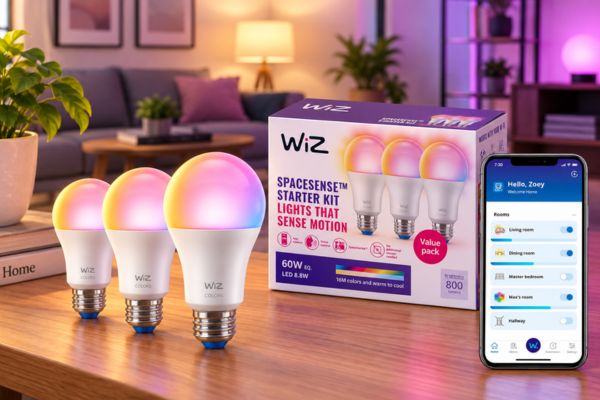
The WiZ Connected Color gives you full color and Matter support for around eight dollars a bulb which is genuinely remarkable value. For context, that’s about a quarter of the price of a Philips Hue bulb with most of the same core features.
Best for: First time buyers, anyone on a tight budget, testing smart lighting before committing to a bigger system
WiZ connects directly to Wi-Fi with no hub needed. It works with Alexa and Google Home, and the Matter certification means it stays compatible as smart home standards evolve. The color quality won’t make a Hue owner jealous, but for everyday lighting in a living room or bedroom it’s more than adequate.
If you love it, you can always expand. If you decide you wanted something different, you’re not out much.
Best for Apple HomeKit: Nanoleaf Essentials Matter
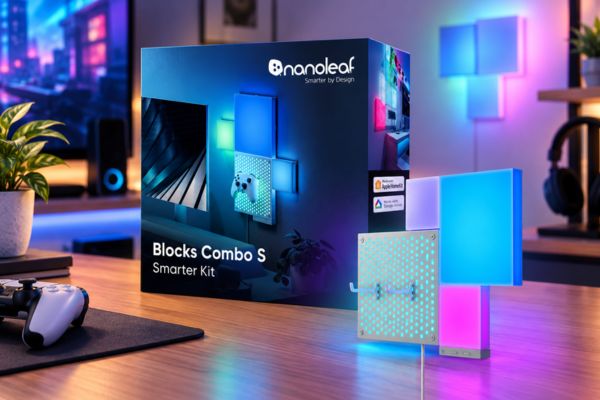
If your household runs on iPhone and you want everything in the Apple Home app, Nanoleaf Essentials Matter is the one to look at. It connects over Matter and WiFi with no separate bridge or hub required, and it shows up in Apple Home the way it should responsive, reliable, and part of your HomeKit automations without any workarounds.
Best for: iPhone and Apple Watch households; anyone who uses Apple Home as their primary smart home app
Nanoleaf Essentials connects hub free over Matter and WiFi, with bright 1000 lumen color and music sync. The brightness is genuinely good some smart bulbs dim noticeably compared to their non-smart counterparts, but Nanoleaf holds its own.
The music sync feature is a bonus that some households genuinely love and others never touch. If you have a home office, a home gym, or a kids’ room where lights that pulse to music would actually get used, it’s a nice extra. If you just want consistent ambient lighting, it won’t change your life, but it won’t cost you anything extra either.
Best for Color and Fun: Govee Smart Bulbs
Govee is the brand you recommend to someone who wants their lights to do more than just be lights. The Govee app is feature-rich and genuinely fun to use, with music sync modes and scenes that are built for vivid color effects. The colors are bold and saturated in a way that suits accent lighting and entertainment setups particularly well.
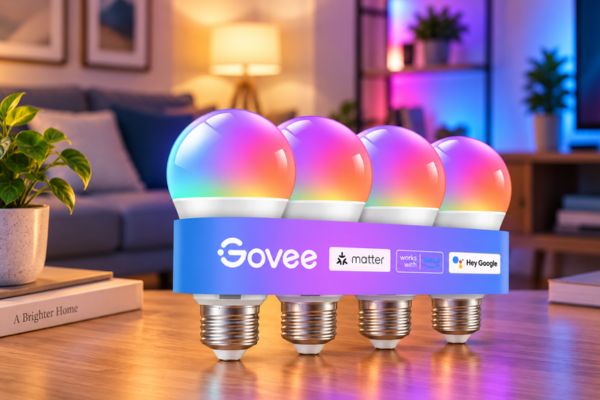
Best for: Color enthusiasts, home entertainment setups, anyone who wants their lights to do something entertaining
If you have a TV setup where you want bias lighting, a gaming room where you want the lights to react to what’s on screen, or just a space where you want to play around with color scenes, Govee delivers more fun per dollar than most competing options.
The Govee app is capable but requires a bit of patience to learn. And the system is less integrated with third-party platforms than Hue or LIFX it works with Alexa and Google Home, but the deeper features live in the Govee app itself. That’s fine if you’re using Govee as accent lighting alongside a primary system, less ideal if you want everything in one place.
Best Without a Hub: LIFX Color
LIFX has the best color saturation of any Wi-Fi smart bulb and it achieves that with no hub required. It connects directly to your WiFi router and works with Alexa, Google Home, and Apple HomeKit without any intermediary device.
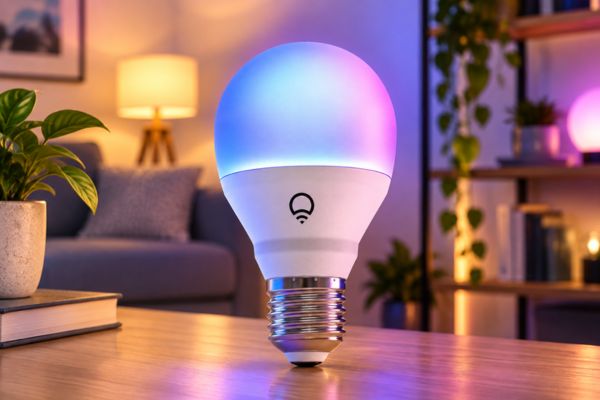
Best for: Anyone who wants premium color quality without buying into a hub based system; LIFX fans who love rich, vivid colors
LIFX uses vibrant color tones rather than realistic ones which sounds like a criticism but is really just a style choice. Hue leans toward accurate, natural looking colors. LIFX leans toward vivid and expressive. If you’re using color for mood lighting or accent purposes, LIFX’s palette is genuinely striking.
The brightness is also excellent. LIFX SuperColor bulbs can reach up to 1600 lumens significantly brighter than most smart bulbs, which matters in larger rooms where you need the light to actually fill the space.
The trade-off is price. LIFX costs more per bulb than WiZ or Govee, and without a hub it relies entirely on your home Wi-Fi, which can occasionally cause hiccups in dense wireless environments.
Best for Alexa Households: Kasa Smart Bulbs
If your home is built around Alexa and you already use Kasa products, the Kasa smart bulb lineup is the natural choice. The Kasa ecosystem works smoothly with Alexa, the app includes energy monitoring so you can track your usage over time, and the bulbs themselves are reliably responsive.
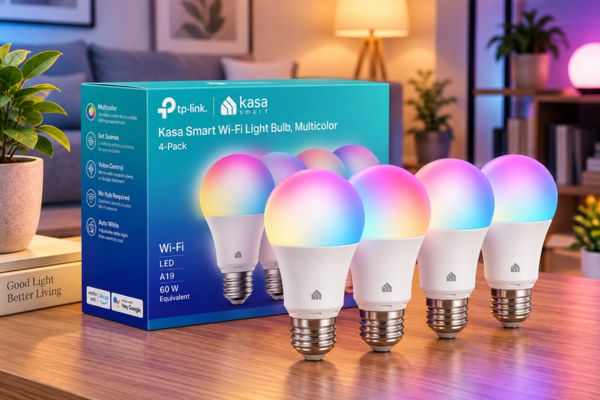
Best for: Amazon Alexa households; anyone who already uses Kasa smart plugs or switches
Kasa’s multicolor bulbs offer 16 million colors including warm to cool whites, with an intuitive app and Away Mode that randomly turns lights on and off to make your home look occupied when you’re not there. The Away Mode feature is a small but genuinely useful security addition that most buyers don’t think about until they need it.
Kasa doesn’t integrate with Apple HomeKit, so if that matters to your household, look at Nanoleaf or Hue instead.
Best Budget Color Without Hub: Wyze Bulb Color
Wyze Bulb Color is the option for households that already live in the Wyze ecosystem and want their lighting to join the party. It is a fantastic pick for an LED smart bulb with big, bright colors for indoor use, and at this price the color quality genuinely impresses.
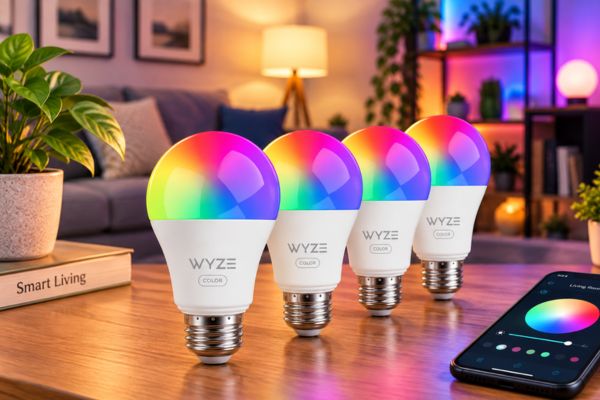
Best for: Budget buyers who want color; anyone already using Wyze cameras or plugs
The Wyze app is functional and the setup is simple. The main things to know: Wyze may take up to two seconds to respond to commands, which is noticeable if you’re used to Hue’s near instant response. And like Kasa, Wyze doesn’t support Apple HomeKit.
For a bedroom lamp or a room where you want some color play without spending much, Wyze is a solid choice.
What About Smart Lighting Kits?
A smart lighting kit bundles everything you need to get started in one box bulbs, and in some cases a hub or switch. They’re the right choice if you’re setting up a whole room or multiple rooms at once rather than swapping one lamp.
The Philips Hue Starter Kit is the most complete kit available. It includes several color bulbs and the Hue Bridge, and it’s the setup that makes the most sense if you’re planning to expand your system over time. The starter kit works with Alexa, Google Home, Apple HomeKit, and Matter which means whatever direction your smart home grows, the lighting system comes with it.
The WiZ starter kit is the budget alternative for people who want a room done in one purchase without the hub. No bridge required, lower cost, and the same core features for everyday use.
For switch-based kits rather than bulb based ones, the Lutron Caseta Deluxe kit is worth knowing about. It includes smart dimmer switches and a hub, and it’s particularly appealing for homeowners with recessed lighting, ceiling fixtures, or multi-bulb setups where replacing every individual bulb would be impractical. The Lutron Caseta kit drops the neutral wire requirement, which matters in older US homes where a neutral wire isn’t always available.
The Questions Worth Answering Before You Buy
Not always. Wi-Fi bulbs like WiZ, LIFX, Wyze, Kasa, and Govee connect directly to your router with no extra device. Zigbee bulbs like Philips Hue work with their own Bridge or with compatible hubs you might already have.
Premium bulbs from Hue, LIFX, and Nanoleaf use better components and tend to last longer and stay connected more reliably. Budget bulbs are a great value but may not last as many years. For lights you use daily in a main room, spending a little more usually pays off.
Only if you’ll actually use it. Tunable white bulbs that shift from warm amber to cool bright white is genuinely useful for everyday living. Full color is fun for accent lighting and entertainment spaces. If you’re lighting a home office or a kitchen, color is probably not your priority. If you’re lighting a living room or a gaming setup, it might be.
For reading or task lighting, look for 800 lumens or more per bulb. Most standard A19 smart bulbs land somewhere between 800 and 1100 lumens, which is comparable to a traditional 60 watt incandescent. LIFX and some Philips Hue models go higher, which matters in larger rooms.
Yes, more than most guides admit. A Philips Hue bulb in a Wyze centric home works fine, but you’ll be managing two separate apps instead of one. Matter support is the new cross platform standard that lets Hue, Govee, and others work with any smart home hub so if future proofing matters to you, look for Matter certification on whatever you buy.
Frequently Asked Questions
Usually not. Standard dimmer switches are designed for incandescent bulbs, and most smart bulbs don’t play well with them. The simplest solution is to use the smart bulb’s own app or voice control for dimming and leave the physical switch at full on. If you want physical dimming, a smart dimmer switch like Lutron Caseta is the cleaner approach.
Most quality smart bulbs are rated for around 15,000 to 25,000 hours of use, which works out to 15 years or more at average household usage. Budget bulbs sometimes fall short of their rated lifespan. For lights that are on most of the day, investing in a mid-range bulb from Hue, LIFX, or Nanoleaf tends to pay off over time.
Only if the bulb is specifically rated for outdoor use. Standard indoor smart bulbs are not weatherproof and will fail in exposed outdoor fixtures. LIFX makes outdoor-rated options, and Philips Hue has outdoor-specific products. For porch lights, pathway fixtures, or any exposed outdoor location, check the IP rating before buying.
This is a real concern that more buyers should ask. Matter-certified bulbs are the most future-proof option because they rely on open standards rather than proprietary cloud services. For non-Matter bulbs, local Bluetooth or Zigbee control often continues working even if the cloud service changes. Philips Hue, as the most established brand, carries the least risk here simply because of their scale.
Absolutely, and for most people that’s the right approach. Start with a smart bulb in your most-used room and see how it fits into your daily routine. If you love it, expand. If you want something different, you’ve only committed a small amount. The exception is Philips Hue, where the starter kit with bridge makes more sense if you’re planning more than two or three bulbs.
The Bottom Line
Smart lighting is one of those upgrades that sounds more complicated than it is. Pick a brand that works with your existing smart home setup, decide whether you want color or just dimmable white, and start with one room. That’s genuinely all there is to it.
For most homes, the Philips Hue Essential or a WiZ starter kit is the answer. For Apple households, Nanoleaf. For color enthusiasts without a big budget, Govee. And if you just want to try one bulb in a lamp to see what the fuss is about, the WiZ single bulb at eight dollars is the lowest-risk entry point you’ll find.
The rest figures itself out once the lights are on.
iRobot Roomba i7+: Smart Cleaning for Modern Homes
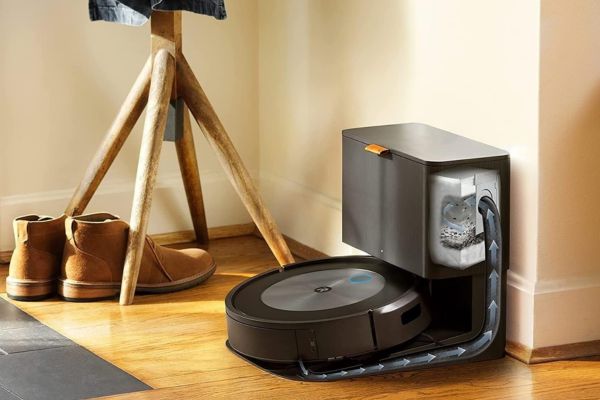
iRobot Roomba i7+ covering smart cleaning features, real-life benefits, pros, cons, and links to cleaning devices explained.
Google Nest Hub Max: Is It Worth It?

Disclosure: This article contains affiliate links. If you purchase through qualifying links, AutomateVerge may earn a commission at no additional…
Ecobee Smart Thermostat Premium: The Best Smart Thermostat for Most US Homes?

Let’s be honest. A thermostat isn’t exactly the most exciting thing you’re going to buy for your home. It’s not…
Smart Plugs: The Simple Energy Saver Most Homeowners Overlook
There’s a good chance something in your living room is costing you money right now. Not because it’s running because…
How Smart Thermostats Save Money: The Real Numbers (And When They Don’t)
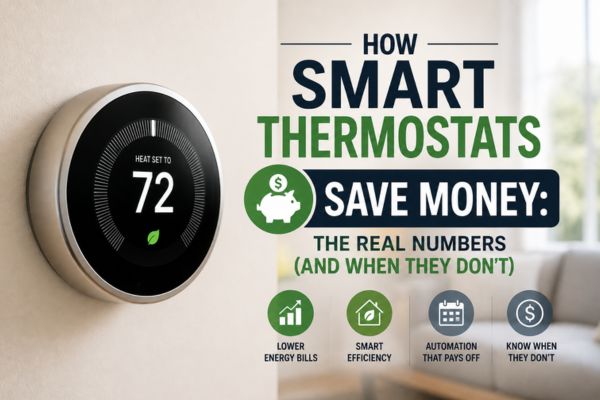
Every smart thermostat says the same thing: install one and save money. The claims range from $50 a year to…