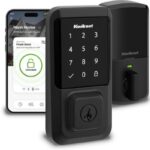
Smart Home Privacy Tips: Simple Ways to Secure Your Devices
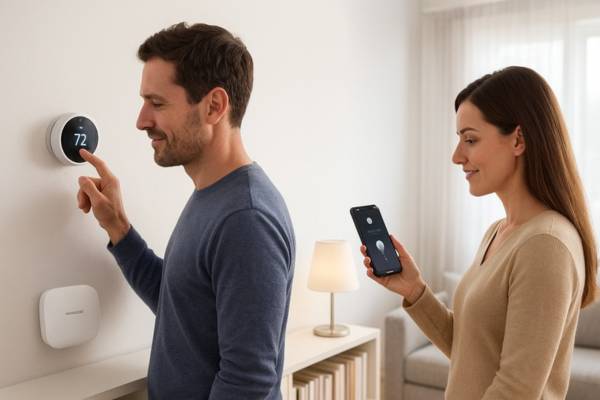
Smart home Privacy Tips devices have become part of everyday life, offering convenience and comfort at the tap of a button or the sound of your voice. From voice assistants like Alexa and Google Home to smart locks, thermostats, and cameras, these technologies can truly simplify modern living.
But here’s the flip side: all this convenience comes with a cost. Every connected device collects data, and without the right smart home privacy tips, that information could end up in the wrong hands.
In this guide, we’ll explore the most common privacy concerns with smart homes, show you how to secure your smart devices, and share practical steps to protect your data while still enjoying the benefits of a connected home.
Why Smart Home Privacy and Security Matter
If you think of your home as your private space, imagine how unsettling it is to know that your smart devices are constantly collecting data about your daily life.
How Smart Devices Collect Data
Every smart gadget is designed to gather information:
- Smart speakers record voice commands to improve responsiveness.
- Video doorbells and cameras store footage locally or in the cloud.
- Smart thermostats and lights track usage to optimize performance.
Alone, these details don’t seem harmful. But when combined, they can reveal your habits what time you wake up, when you leave for work, or even how often you’re away from home.
Common Privacy Risks with IoT
The Electronic Frontier Foundation (EFF) highlights how IoT devices may share sensitive information without users being aware. The biggest risks with smart devices include:
- Data breaches where hackers gain access to personal data.
- Company misuse of information for advertising or tracking.
- Device hijacking, like strangers accessing smart cameras.
- Third party exposure when apps or services share more than you agreed to.
This is why following reliable smart home privacy tips is so important.
Practical Smart Home Privacy Tips to Protect Your Data
The good news is, most privacy risks can be reduced with some simple steps. Here are some of the most effective smart device security practices:
Use Strong, Unique Passwords
One of the easiest mistakes is reusing the same password for multiple devices. If one gets hacked, the rest are at risk. Always create strong, unique passwords or use a password manager to do it for you.
Enable Two-Factor Authentication
Two-factor authentication (2FA) adds an extra layer of protection. Even if someone steals your password, they won’t be able to log in without the second verification step.
Keep Firmware & Apps Updated
Manufacturers release updates to fix security flaws. Ignoring them leaves your devices vulnerable. Set up automatic updates whenever possible.
Limit Data Sharing Permissions
When you install a new smart home app, review the permissions. Many apps ask for more data than they really need. Turning off unnecessary access reduces your privacy risks.
Securing Your Smart Home Network
Your smart home devices are only as secure as the network they connect to. Here are some essential smart home cybersecurity tips:
Use a Guest Wi-Fi for Smart Devices
Separate your smart devices from your main Wi-Fi. If one gadget is compromised, it won’t expose your laptop, phone, or work files.
Invest in a Strong Router or Mesh Wi-Fi
Your router is your first line of defense. A modern router with WPA3 encryption and built-in security features will give you far better protection than older models.
Encrypt and Monitor Your Network
Always enable encryption (WPA2 or WPA3). Regularly check which devices are connected. If you see an unknown device, investigate immediately.
Choosing Privacy Friendly Smart Devices
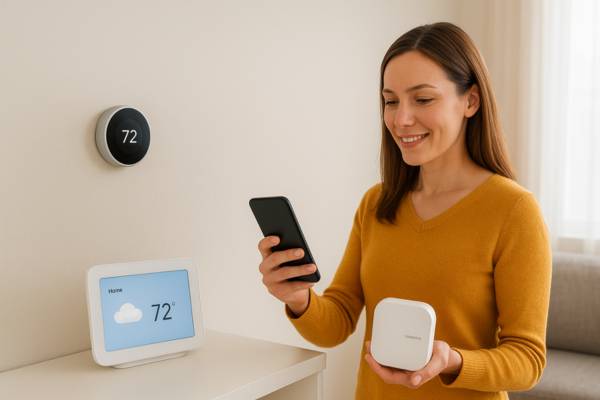
Not all smart devices respect your privacy equally. Choosing the right brand and product can make a huge difference.
Look for Brands with Strong Privacy Policies
Before you buy, research the company’s reputation. Do they give users control over data? Can you delete stored information easily? Transparent privacy policies are a good sign.
Devices with Local Storage Options
Cloud storage is convenient but riskier. Devices that offer local storage (like SD cards or private servers) keep your data closer to home and harder for outsiders to access.
Open Source or Transparent Solutions
Open source platforms allow more user control and visibility over how data is handled. While they require some technical knowledge, they’re ideal for those who prioritize privacy.
Balancing Convenience with Security
There’s always a trade off between security and convenience. Stronger privacy measures sometimes mean fewer “smart” features.
The Trade Off Between Ease of Use and Privacy
Disabling “always on” listening on your smart assistant, for example, improves privacy but reduces responsiveness. Using local storage instead of cloud services may give you more control but makes remote access less seamless.
Setting Personal Privacy Boundaries
The key is to define what you’re comfortable with. Some users are fine sharing limited data for convenience, while others want maximum privacy even if it means more manual control.
By applying these smart home privacy tips, you can strike a balance that feels right for you.
FAQs
Smart Home Privacy Tips: Balancing Convenience and Security
Smart home technology brings undeniable benefits: convenience, automation, and even improved security in some cases. But without careful attention, it can also become a source of risk.
The best approach is to stay proactive. Apply these smart home privacy tips from strong passwords and software updates to choosing privacy-conscious devices and securing your Wi-Fi network.
Think of it this way: just as you wouldn’t leave your front door unlocked, you shouldn’t leave your digital home unprotected. With the right balance of convenience and caution, you can enjoy the best of both worlds a smarter home and safer privacy.
👉 Curious about who’s driving innovation in this space? Check out our guide to The World’s Leading Home Automation Companies and see which brands are shaping the future of smart and secure living.