

Disclosure: Some links here are affiliate links. We may earn a commission at no extra cost to you. As an Amazon Associate, AutomateVerge earns from qualifying purchases. Read our affiliate disclosure.
Here’s something that catches most people off guard: the first time they walk into a room and the lights come on by themselves not because of a motion sensor in an office bathroom, but because their smart home recognized they were home it feels a little like magic.
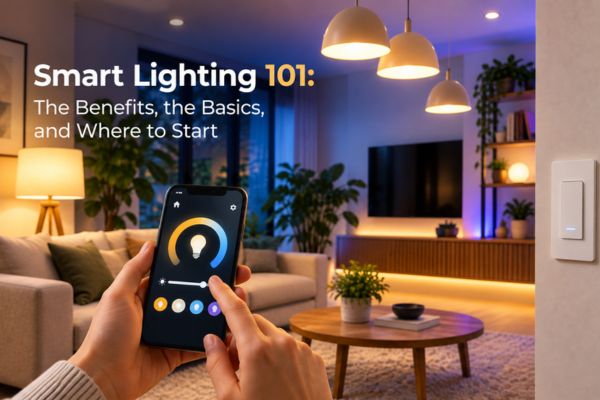
That’s smart lighting doing its job. Not the flashy color-changing party trick you’ve seen on YouTube. The quiet, useful, daily kind. Lights that come on when you need them and go off when you don’t. A living room that shifts from bright and practical during dinner to warm and dim when a movie starts. A bedroom that gradually brightens in the morning instead of shocking you awake with full overhead light.
This guide covers the basics what smart lighting actually is, what it genuinely does for your home, and where to start if you’re new to it. No spec sheets, no jargon. Just a clear picture of what you’re getting into.
What Smart Lighting Actually Is
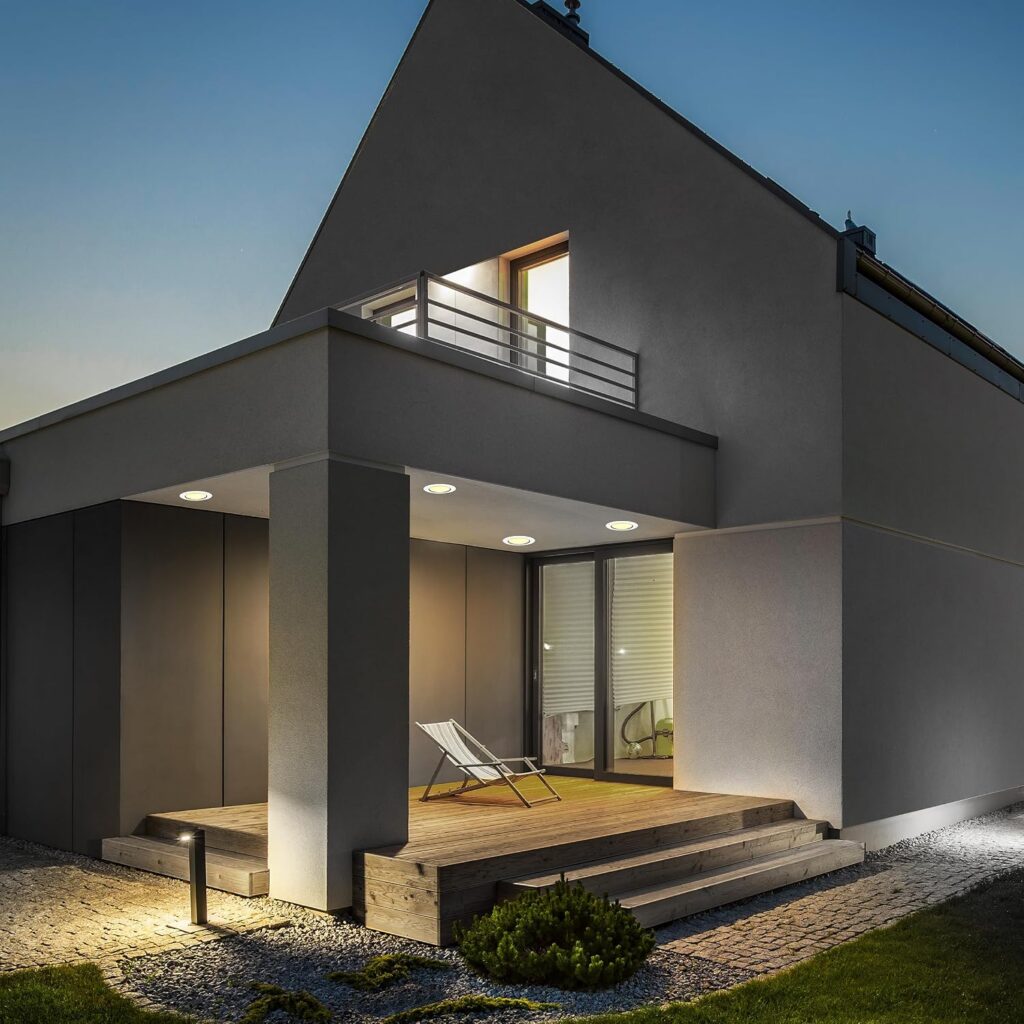
Smart lighting is any lighting system you can control beyond a standard on/off wall switch. That sounds simple, but the range of what it covers is wide.
At the basic end: a smart bulb you screw into an existing lamp and control from your phone. At the more involved end: a whole-home lighting system with smart switches in every room, programmed scenes, motion detection, and automations that adjust the lighting based on time of day, who’s home, and what you’re doing.
Most people land somewhere in the middle a few smart bulbs in the main living areas, maybe a smart switch in the kitchen, and a handful of automations that make daily life quietly better.
Smart bulbs and light switches let you control your lighting from your smartphone to adjust brightness and even change colors. They usually connect over Wi-Fi, Bluetooth, or other networks. The technology has been around long enough that it now works reliably and installs without an electrician for most setups.
The important thing to understand early: smart lighting isn’t about turning your home into a nightclub. It’s about making your existing lighting more useful, more efficient, and less dependent on you remembering to flick a switch.
The Real Benefits What Changes When You Switch
You Stop Paying to Light Empty Rooms
This is the most practical benefit, and it’s the one people appreciate most after a few weeks of living with smart lighting.
Smart lights automatically turn off when a room is unoccupied. Motion sensors built into some smart bulbs and available as separate accessories detect when a room has been empty for a set time and switch the lights off without you doing anything.
For households with kids, this is genuinely life-changing. Children’s bedrooms, playrooms, and bathrooms that were previously lit constantly whenever anyone walked through them during the day can now handle themselves. If a child leaves a light on in a playroom for 12 hours a day, the efficiency gains of any energy-efficient bulb are completely lost. Smart lighting eliminates that human error.
Your Home Adjusts to What You’re Doing Without Being Asked
This is the benefit that’s hardest to explain before you experience it, and the one that makes people wonder how they lived without it.
A good smart lighting setup responds to your routine rather than requiring you to manage it. In the morning, the kitchen lights come on at full brightness when the coffee maker starts. In the evening, they warm and dim as the sun sets. When a movie starts, the living room drops to a gentle glow without anyone touching a dimmer.
This kind of ambient responsiveness is what separates genuinely smart lighting from simply having a phone app that controls your lamps. The goal isn’t more control it’s less need for control.
Voice Control Actually Makes Sense Here
“Alexa, turn off the bedroom lights” called from your bed without getting up is one of the most used smart home voice commands in US households. It sounds trivial. In practice it’s one of those small daily frictions that smart home technology removes cleanly.
Most smart lights work with Amazon Alexa, Google Assistant, and Apple Siri. Most major smart lighting brands work with Alexa, which dominates the US smart home market. Once connected, you can control any light in the house by name, turn off all lights at once, or set a scene (“Hey Google, living room movie time”) that adjusts multiple lights simultaneously.
Voice control is particularly valuable for:
- Young children who can’t reach light switches
- Older adults or anyone with limited mobility who benefits from hands-free control
- Moments when your hands are full cooking, carrying laundry, coming in from a run
Security Gets a Passive Upgrade
An occupied looking home is a less appealing target. Smart lighting helps with this in two ways that most people don’t think about at first.
When you’re away, you can schedule lights to turn on and off at natural-looking times not the same 6pm–11pm every night that screams “timer,” but varied patterns that suggest someone’s actually home. Some systems do this automatically based on your historical behavior.
When you’re asleep, outdoor lights on a motion sensor activate the moment anyone approaches your property illuminating the area and making it clear they’ve been seen. Some smart lights work with motion sensors on the bulbs themselves, switching on only when motion is detected. This is both an energy saver during the day and a security feature at night.
You Can Set the Mood and It Actually Matters
Color temperature is something most people have never had to think about with traditional lighting. You buy a bulb, it produces one kind of light, and that’s what you live with.
Smart bulbs that offer tunable white light adjustable from cool bluish white to warm amber let you match the lighting to what you’re doing. Cool bright light for cooking or working. Warm soft light for evenings, winding down, or entertaining. This isn’t a luxury feature it genuinely affects how alert or relaxed you feel in a space, and how comfortable that space is for different activities throughout the day.
Color-changing smart bulbs go further any color in the spectrum which is fun and occasionally useful (red light in a dark room preserves night vision, for example). But tunable white is the feature that most households use consistently; full color is more of a nice-to-have.
Smart Bulbs vs. Smart Switches The Question Everyone Asks First
Before buying anything, this is the decision that most shapes your experience: do you replace the bulbs, or do you replace the switch?
Both approaches work. They’re just optimized for different situations.
Smart Bulbs The Easiest Place to Start
Smart bulbs screw into any standard light socket. You don’t need an electrician, you don’t need to touch your wiring, and you can be up and running in ten minutes. Unscrew the old bulb, screw in the smart one, set it up in the app, done.
Smart bulbs are the easiest and cheapest to get started with. They’re also the most flexible you can try one bulb in one lamp before committing to anything larger, and they travel with you if you move.

The limitation is practical: smart bulbs need power to receive wireless commands. If someone flips the physical wall switch off, the bulb loses power and your app control goes with it. In households with multiple people who use physical switches habitually, this creates friction someone turns off the switch, and now the app shows the bulb as disconnected.
Smart bulbs are the right choice for:
- Table lamps and floor lamps (where you rarely use a wall switch anyway)
- Renters who can’t change switches
- Anyone starting out and not ready to commit to a bigger change
- Accent lighting, color strips, and decorative fixtures
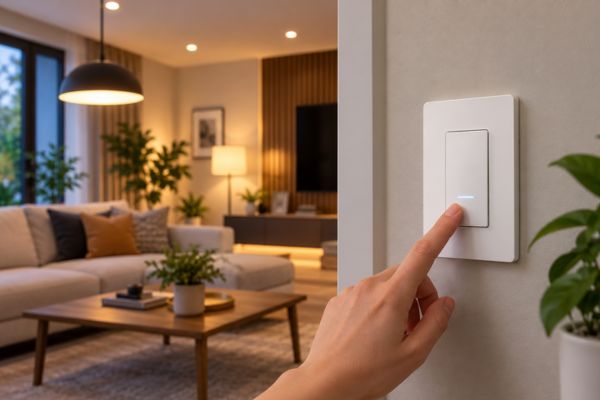
Smart Switches The Better Long Term Choice for Most Rooms
Smart switches replace the wall switch itself. The bulbs stay ordinary (regular LED bulbs work fine), and the switch controls them intelligently. Anyone in the household can use the switch normally it still physically toggles the light but the smart features work through the switch itself rather than the bulb.
Smart switches deliver the most normal experience in shared spaces because the wall control keeps working. Nobody has to retrain their habits. Guests can use the switch normally. Children can reach and use it as usual. The smart features happen in the background.
Smart switches are the right choice for:
- Ceiling fixtures, recessed cans, and overhead lighting
- Rooms with multiple lights on one circuit
- Households with multiple people who use the physical switch
- Homeowners planning a permanent setup
The trade-off: installation requires turning off the breaker and connecting a few wires. It’s not complicated, but it’s more involved than swapping a bulb. Some older homes also lack a neutral wire, which certain smart switches require worth checking before you buy.
How Smart Lighting Connects Kept Simple
There are a few different ways smart lights communicate with your phone and smart home system. You don’t need to understand the technical details, but a quick overview helps you avoid buying things that don’t work together.
Wi-Fi
is the simplest the bulb or switch connects directly to your home router, no extra device needed. Easy to set up, works out of the box. The downside is that too many Wi-Fi devices can slow your network, and these devices are less reliable at the edges of your Wi-Fi coverage.
Zigbee and Z-Wave
are wireless protocols designed specifically for smart home devices. They form a mesh network each device strengthens the signal for others nearby which makes them more reliable over larger homes. The catch is they need a hub or bridge to communicate with your phone and the rest of your home. Philips Hue uses Zigbee with its own bridge, for example.
Matter
is the newest development, and it’s the most practical to know about. Matter-over-Thread is the way to go if you’re buying new today it’s the “USB of smart homes.” It just works with everything. A Matter-certified light works with Alexa, Google Home, and Apple HomeKit simultaneously, without you having to choose one ecosystem and stick to it.
The practical takeaway: look for Matter-compatible products when buying new. They give you the most flexibility going forward and eliminate the frustrating “does this work with my system?” question.
Smart Lighting Scenes The Feature That Changes How You Think About Lighting
Once you have more than a few smart lights set up, scenes become one of the most useful features available.
A scene is a saved preset that sets multiple lights at once to specific brightness and color temperature settings. One tap — or one voice command — and your whole living room shifts from “cleaning mode” to “dinner mode” to “movie mode” without you touching a single dimmer.
A simple example for a living room:
- Daytime — ceiling light at full brightness, no accent lighting. Functional and clear.
- Evening — ceiling light at 60%, floor lamp warm and dim. Relaxed but still readable.
- Movie time — ceiling off, a single warm lamp at 20%, accent strip behind the TV at a low blue glow. Cinematic without getting up from the sofa.
Setting up these three scenes takes about ten minutes. Triggering them after that takes one voice command or one tap. It’s one of those small smart home features that sounds minor until you’ve lived with it for a week, at which point you wonder why lighting was ever a binary on/off choice.
Where to Start The Practical First Steps
If you’re new to smart lighting and not sure where to begin, here’s a simple path that avoids the common mistakes.
The living room or kitchen is usually the best choice high traffic, used throughout the day, and worth the investment. Don’t try to automate the whole house on day one.
Are you an Alexa household? Google Home? Apple? Choose the ecosystem your household will actually use daily, then look for lighting that works well with it. The best ecosystem is mostly about what your household already uses phone and speakers and how much you want to tinker. Prefer Matter-compatible devices so you keep flexibility later if things change.
For a renter or someone just testing the waters, start with smart bulbs in a few lamps. For a homeowner ready to commit, smart switches in the main rooms are worth the slightly more involved installation.
The single highest-impact automation for most households is a simple one: lights off when everyone’s home is empty. Set this up first. Everything else scenes, schedules, color adjustments adds on top of a solid foundation.
Bedrooms, home office, outdoor lights each addition builds on what you’ve already set up without overwhelming you with a whole-house project.
Common Smart Lighting Mistakes (The Ones Worth Avoiding)
Buying smart bulbs for overhead fixtures in shared spaces.
If multiple people use the wall switch regularly, smart bulbs in ceiling fixtures become frustrating fast. Use smart switches for overhead lighting in shared rooms.
Choosing a hub dependent system before checking if you need a hub
Philips Hue is excellent but it requires their Bridge device. If you only want three bulbs in one room, a Wi-Fi or Matter-native bulb that works without any extra hardware is simpler and cheaper.
Buying from multiple ecosystems
A Philips Hue living room and a LIFX bedroom and a Govee accent strip all controlled by different apps is three times the friction. Pick one primary ecosystem, or ensure everything you buy is Matter-compatible so it can all live in one app.
Over-buying on color
Full RGBW color-changing bulbs are fun to demo and occasionally useful, but most households use white light the vast majority of the time. Tunable white bulbs (warm to cool white) are cheaper and cover 90% of what most people actually want day to day. Save the color bulbs for a specific accent or entertainment setup where you’ll actually use them.
Setting up automations and never revisiting them
Your schedule changes with seasons, with work arrangements, with kids’ routines. A smart lighting automation set in January and never touched again will drift out of sync with how you actually live. Spend five minutes every couple of months what’s running and adjusting anything that’s gotten out of step.
Frequently Asked Questions
It depends on the type. Wi-Fi bulbs need an internet connection for app control and remote access, though some have local Bluetooth control as a fallback. Zigbee and Z-Wave systems with a local hub often continue to work even during an internet outage because the hub runs automations locally. Matter over Thread devices are designed for local processing, making them more resilient to internet issues.
Most smart bulbs use standard E26 (medium screw) bases — the same base as most regular US light bulbs so they work in the majority of table lamps, floor lamps, and ceiling fixtures. Check your fixture’s socket type before buying, and verify the bulb fits if your fixture has a glass enclosure or tight housing. Smart bulbs are slightly larger than standard bulbs, which occasionally matters in enclosed fixtures.
Not necessarily. Many smart bulbs connect directly to Wi-Fi with no hub required. However, if you plan to have more than 4–5 smart lights or want to use Zigbee-based systems like Philips Hue, a hub often provides more reliable connections, better range, and more advanced features. For Matter-compatible devices, the hub question largely goes away they’re designed to work across platforms without brand-specific bridges.
Philips Hue is the most established and consistently reliable system great app, massive product range, excellent smart home integration. It requires their Bridge (hub) for full functionality. For a simpler start without a hub, LIFX and Wyze bulbs connect directly to Wi-Fi and have good beginner-friendly apps. For future-proofing, look for anything with Matter certification an increasing number of brands now offer it.
The Bottom Line Your Most Important Home Safety Investment
For most US households, yes and not primarily for the energy savings or the color-changing tricks.
The real value is the invisibility. A home where the lighting adjusts to your routine, responds to your voice, and doesn’t require constant management feels meaningfully different from one that doesn’t. It’s one of those quality-of-life upgrades that’s hard to articulate until you’ve lived with it, at which point going back feels like an odd step backward.
Start small. One room, one automation, one ecosystem. Smart LED bulbs use up to 90% less energy than incandescent bulbs the energy savings are real, but the daily experience is what keeps people adding more lights once they start.
Transform Your Outdoor Space with Smart Lights

Transform your outdoor space into a smart oasis with the latest outdoor lighting technology
How to Set Up Smart Lighting: Easy Guide for Beginners
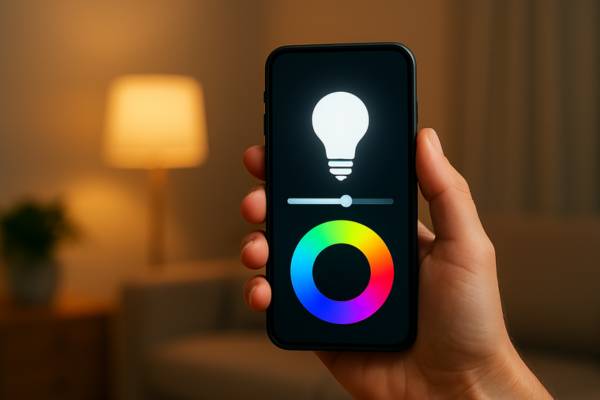
How to Set Up Smart Lighting: A Beginner’s Step by Step Guide Smart lighting is one of the easiest ways…
Best LED Backlights for TV: 3 Kits Compared
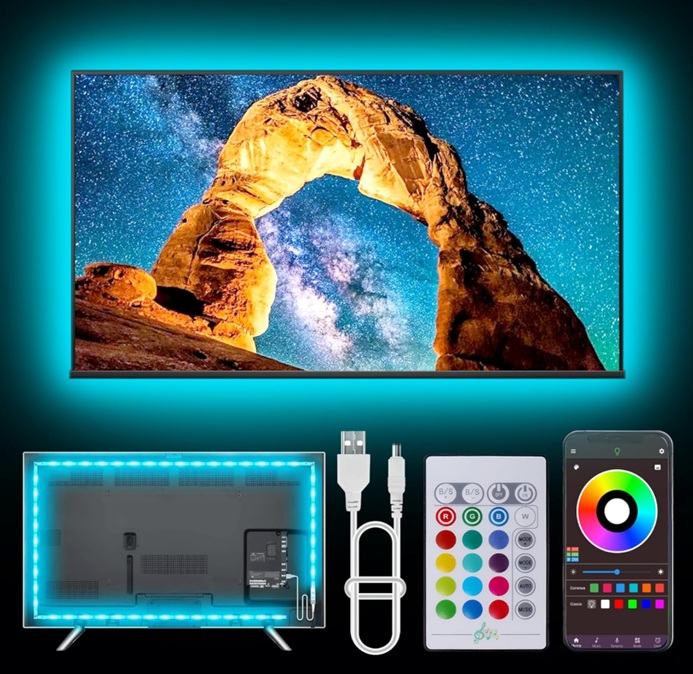
Smart light bulbs are revolutionizing the way we illuminate our homes. With features like voice control, remote access, and customizable color options, these innovative devices offer unparalleled convenience and flexibility. This article explores all about smart light bulbs including the best smart light bulbs on the market, helping you choose the perfect ones to enhance your living space.
Smart Lighting 101: Benefits, Basics, and Where to Start
Here’s something that catches most people off guard: the first time they walk into a room and the lights come…
Philips Hue Bulbs: The Best Smart Lights for Your Home?
Philips Hue Bulbs Are They Still the Best Smart Lights? Smart lighting has become one of the easiest ways to…